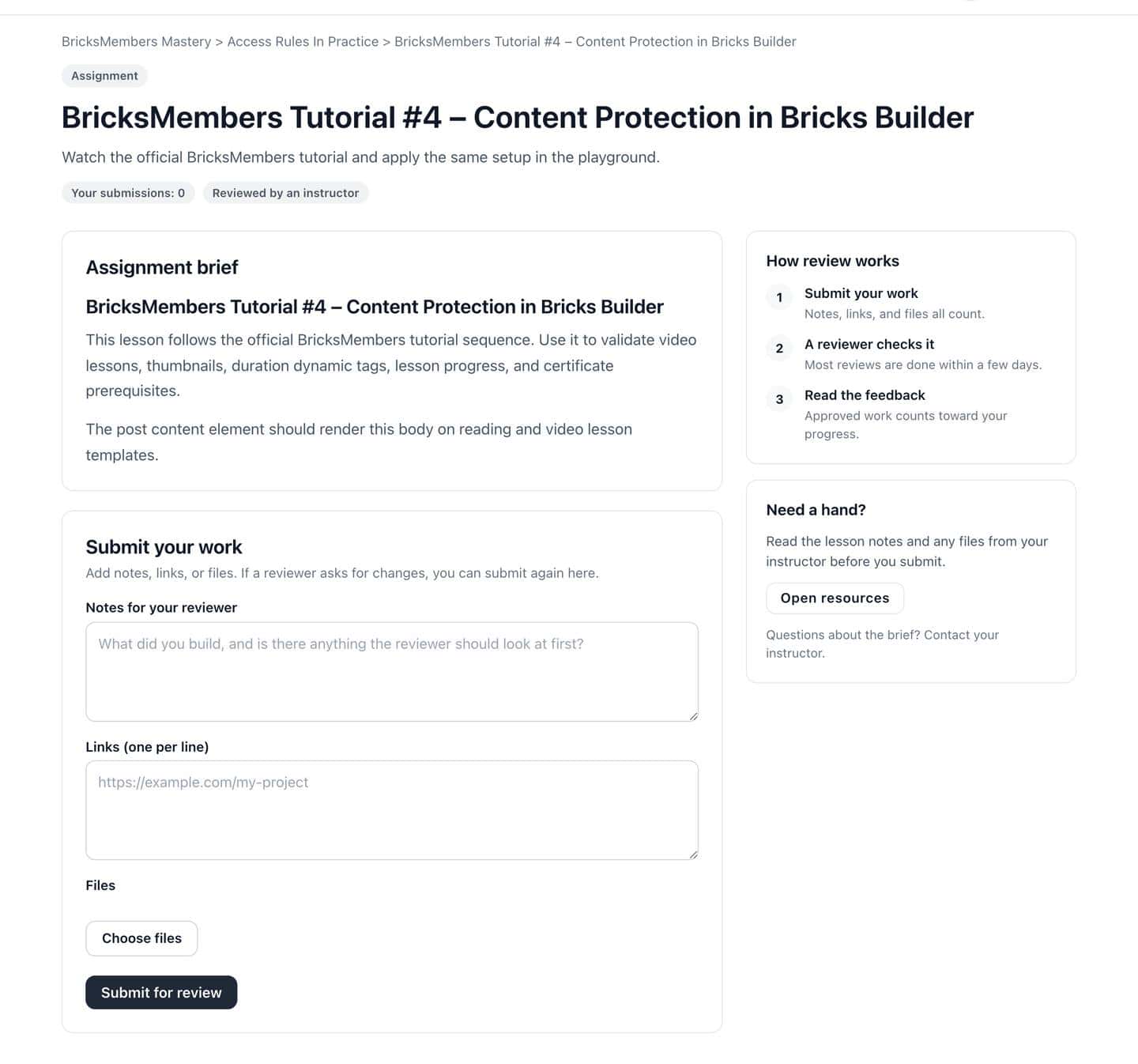
Submission Form

A part template for assignment submission and status flows.
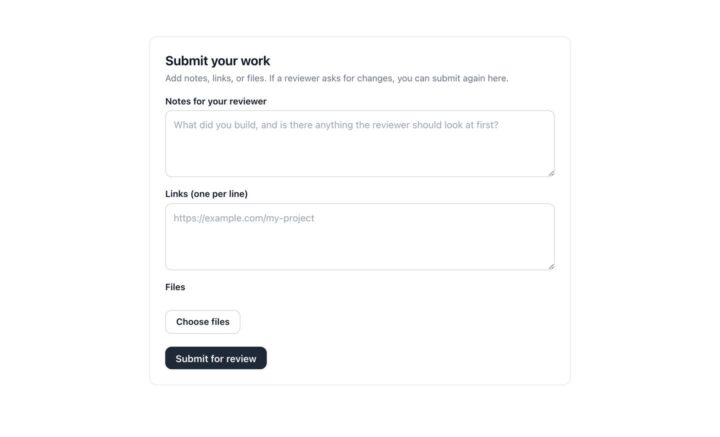
Submission Form Part
How to use it

Drop it into Bricks in three steps

1

Copy the right format

Use standalone JSON for normal Bricks sites, or ACSS JSON when the project uses Automatic.css classes.

2

Paste inside Bricks

Open the builder where the component belongs and paste the copied payload into the canvas.

3

Connect dynamic data

Review the listed BricksMembers tags and conditions, then adjust copy, classes, and styling for the site.

Template anatomy

What's inside

Bricks elements

block container form section

Dynamic tags

No dynamic tags required.

Conditions

No special conditions listed.

Get BricksMembers

Start Building Your Membership Site Today

Create, sell, and manage your content without limits. BricksMembers gives you everything you need to build membership and LMS sites with Bricks Builder.

Lifetime updates & bug fixes • Premium support • 0% transaction fees • 60-day money-back guarantee