Control Who Sees What
Membership levels, content protection, redirects, menu visibility, and secure file downloads.
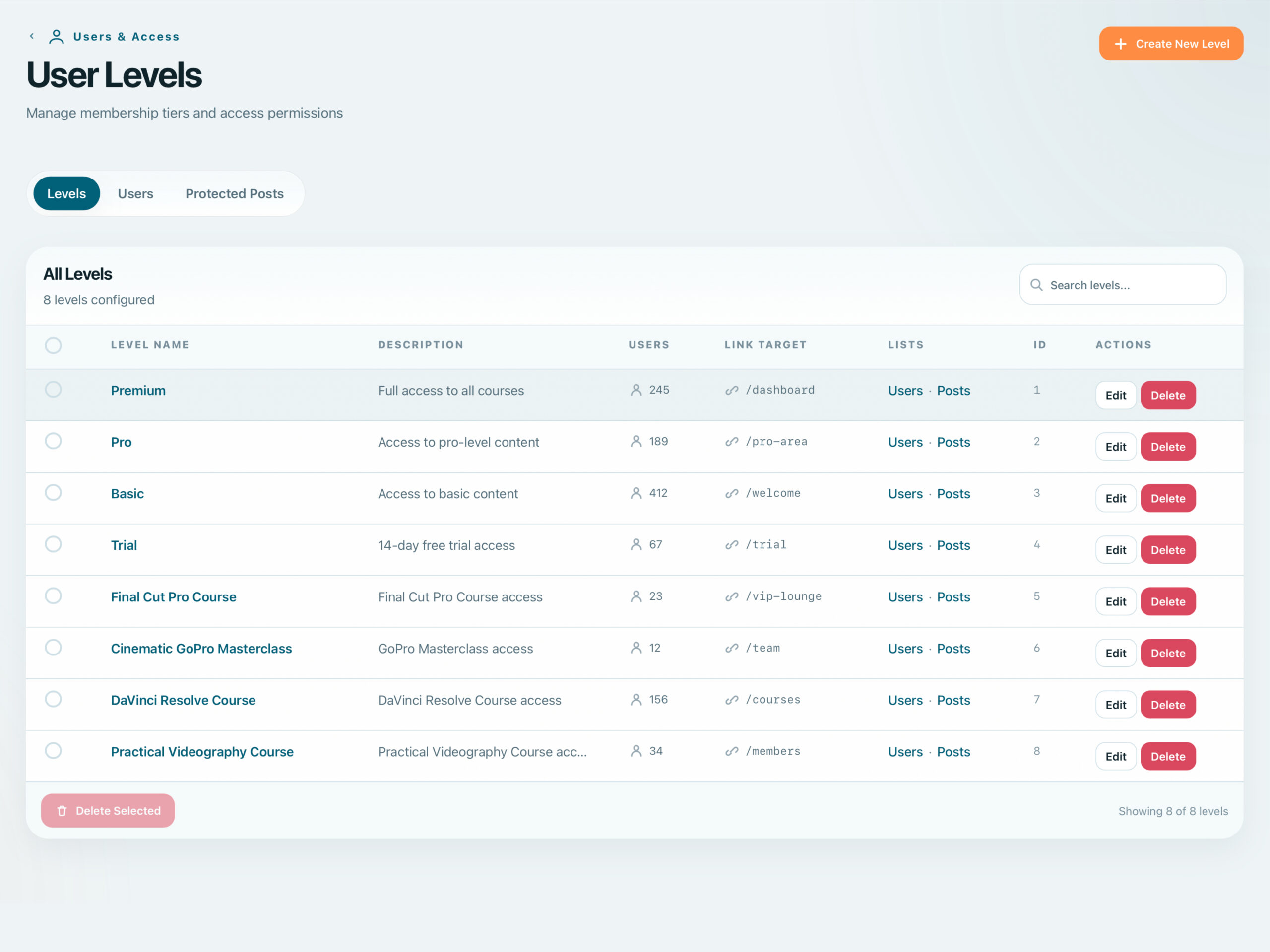
Unlimited Levels, OR-Logic Access
Create as many membership levels as your business requires. Assign them through admin, commerce integrations, forms, or the API. OR-logic means members need any one qualifying level to access content.
- Unlimited user levels with full hierarchy support
- OR-logic access: any matching level grants entry
- Multiple assignment methods: admin, purchase, form, API
- Level-based permissions across the entire site
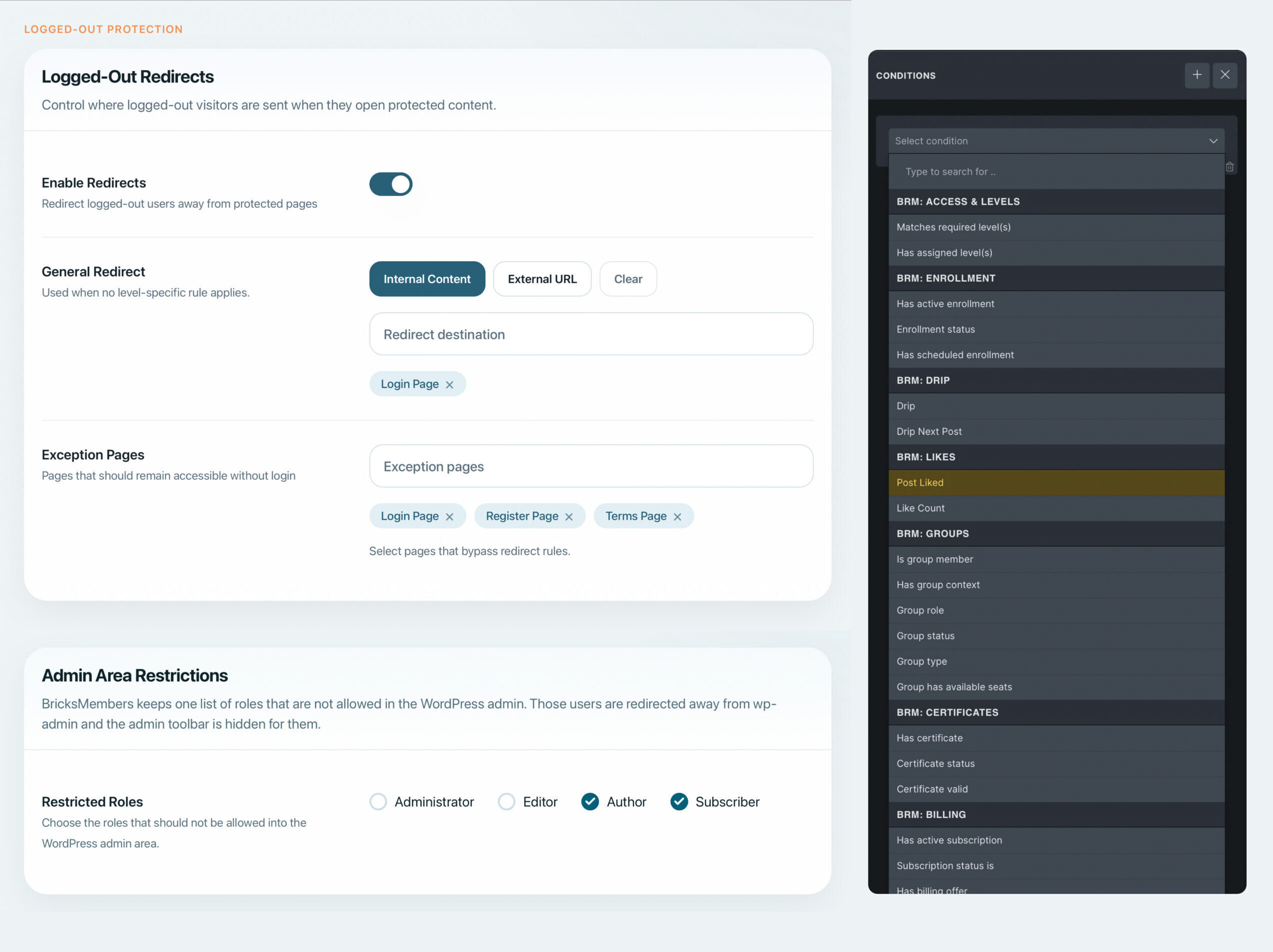
Bricks Conditions + Access Redirects
Restrict any page, post, custom post type, taxonomy term or protected download by membership level. Use native Bricks conditions to show/hide individual elements, or redirect unauthorized visitors to custom landing pages.
- Protect pages, posts, CPTs, and taxonomy terms
- Native Bricks conditions & Query Loop filters for element-level control
- Optional custom redirect URLs per level or globally
- Redirect logged-out users to Bricks custom authentication pages
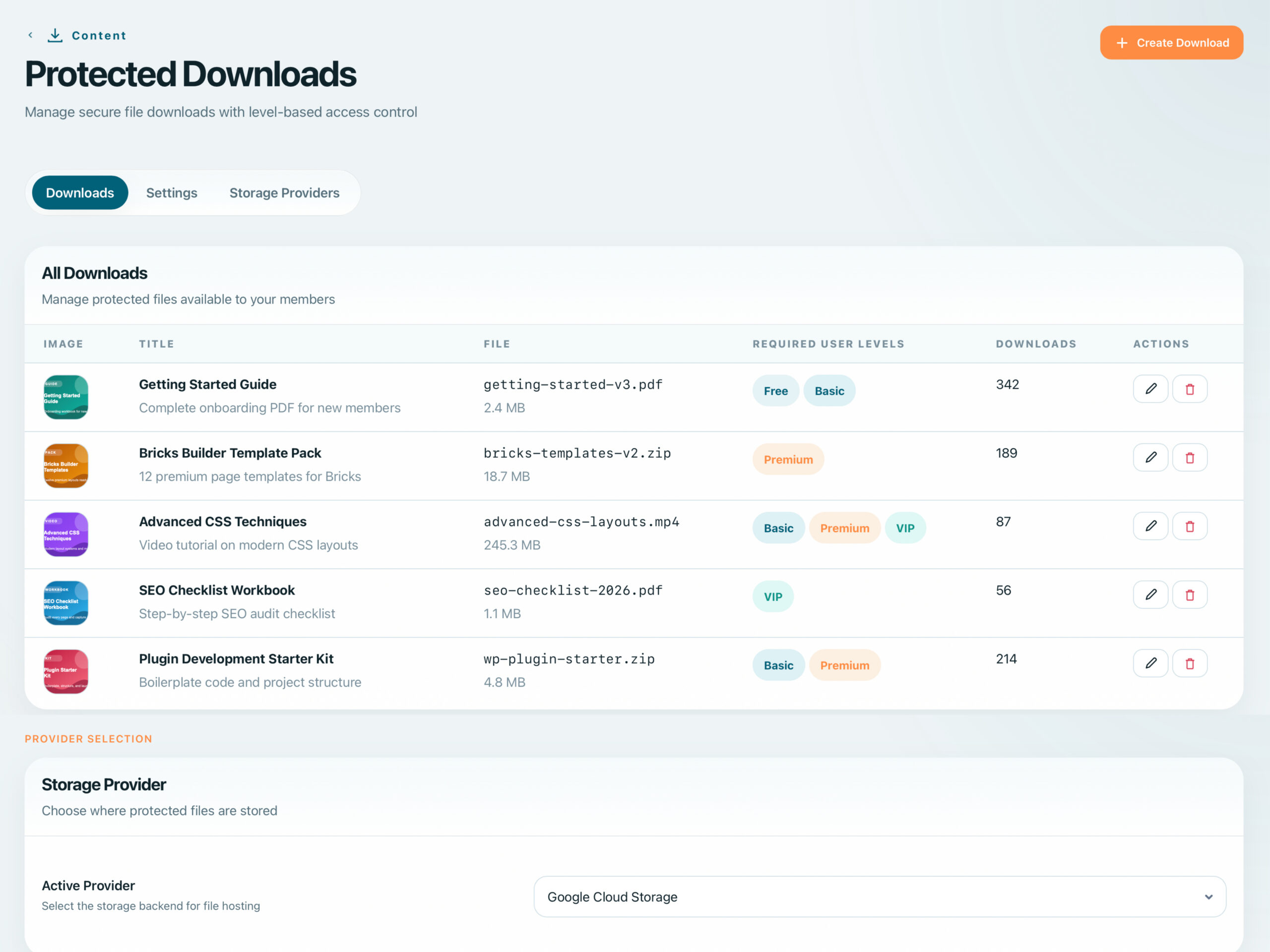
Secure File Delivery
Deliver files securely with .htaccess rules, nonce-based access tokens, and cloud storage support. Restrict downloads by membership level or course completion status.
- .htaccess protection prevents direct URL access
- Nonce-based tokens expire after use
- Amazon S3, Bunny CDN, and Google Cloud Storage
- Track downloads per user with audit logging
Secure media delivery from native Bricks elements
Issue viewer-specific download URLs on click from Bricks Button and Text Link elements. Keep large files behind authorization with signed-URL delivery, without exposing private storage paths.
- Protected Media actions on native Bricks Button and Text Link
- Just-in-time, viewer-specific URL issuance
- Signed-URL redirects for authorized remote downloads
- Admin controls for proxy limits and delivery behavior

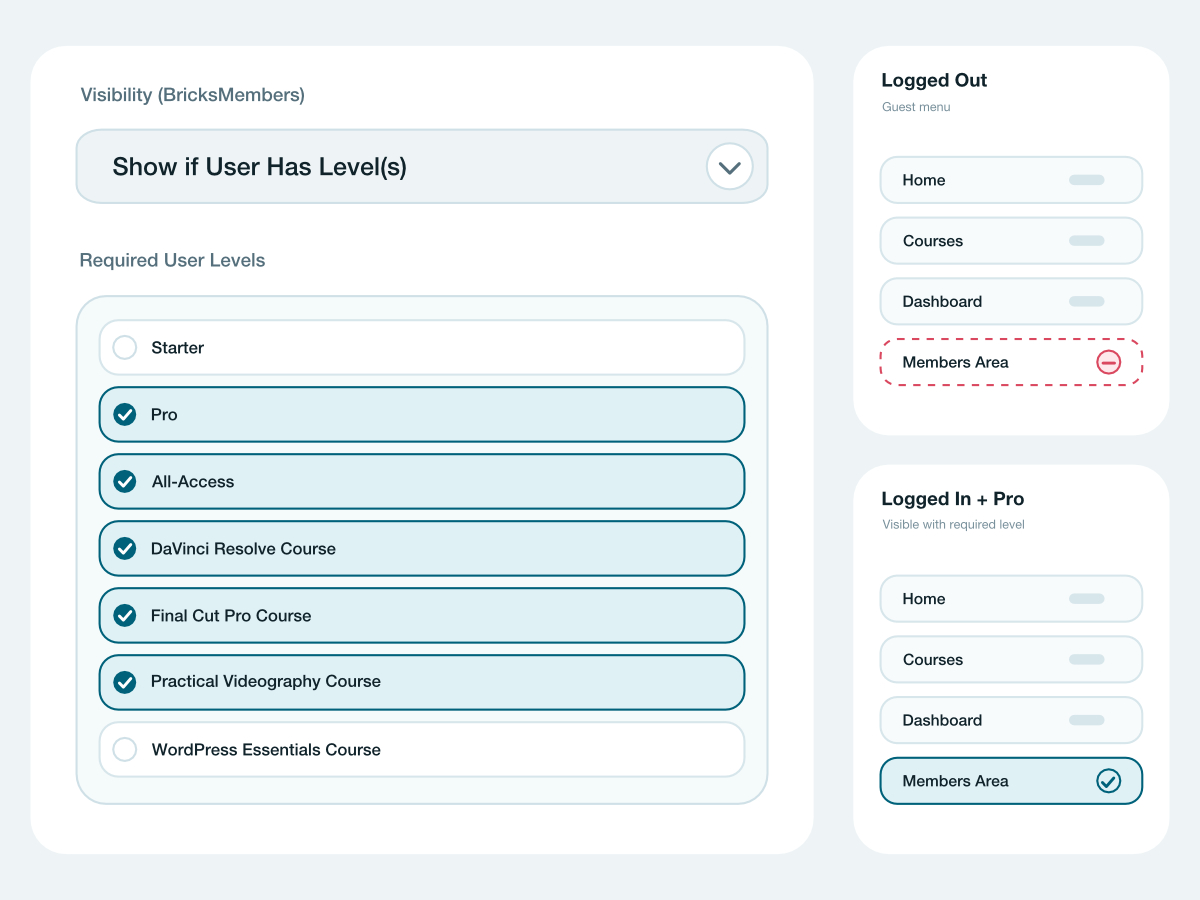
Context-Aware Navigation
Show or hide menu items based on login state or specific membership levels. Guide members through your content structure without exposing locked areas to unauthorized visitors.
- Show/hide items by logged-in or logged-out state
- Control visibility per membership level
- Works with any WordPress menu location
- Clean navigation without "Access Denied" dead ends
Centralized Enrollment Management
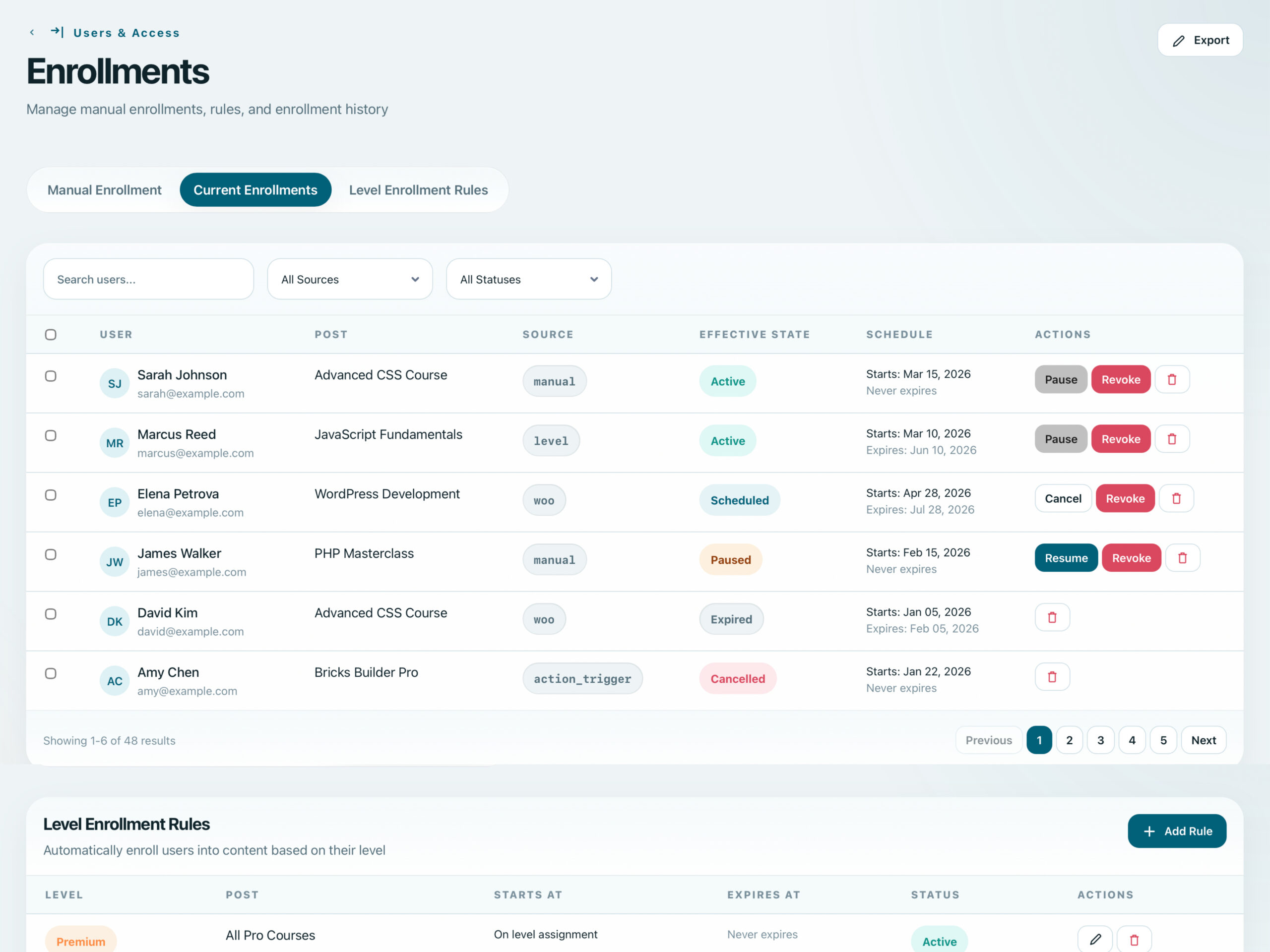
Go beyond level-based access with post-level enrollment tracking. Manage who has access to what, with enrollment states, scheduling, and automation-driven rules.
- Manual and automated post-level enrollments
- Enrollment state tracking (active, expired, pending)
- Level-driven enrollment rules for automatic access
- Enrollment scheduling with start and end dates
- Integrates with drip content and automations
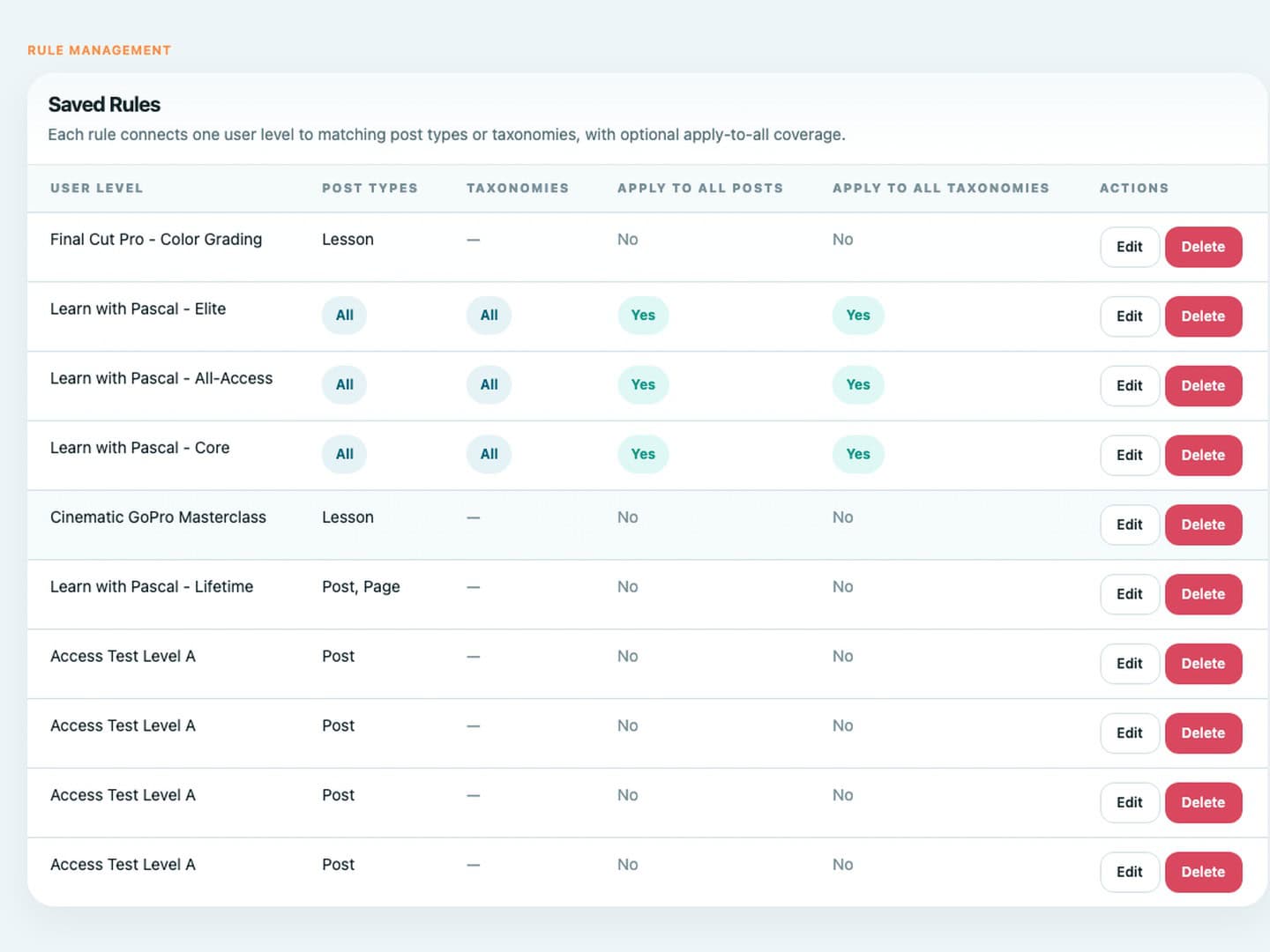
Protect New Content Automatically
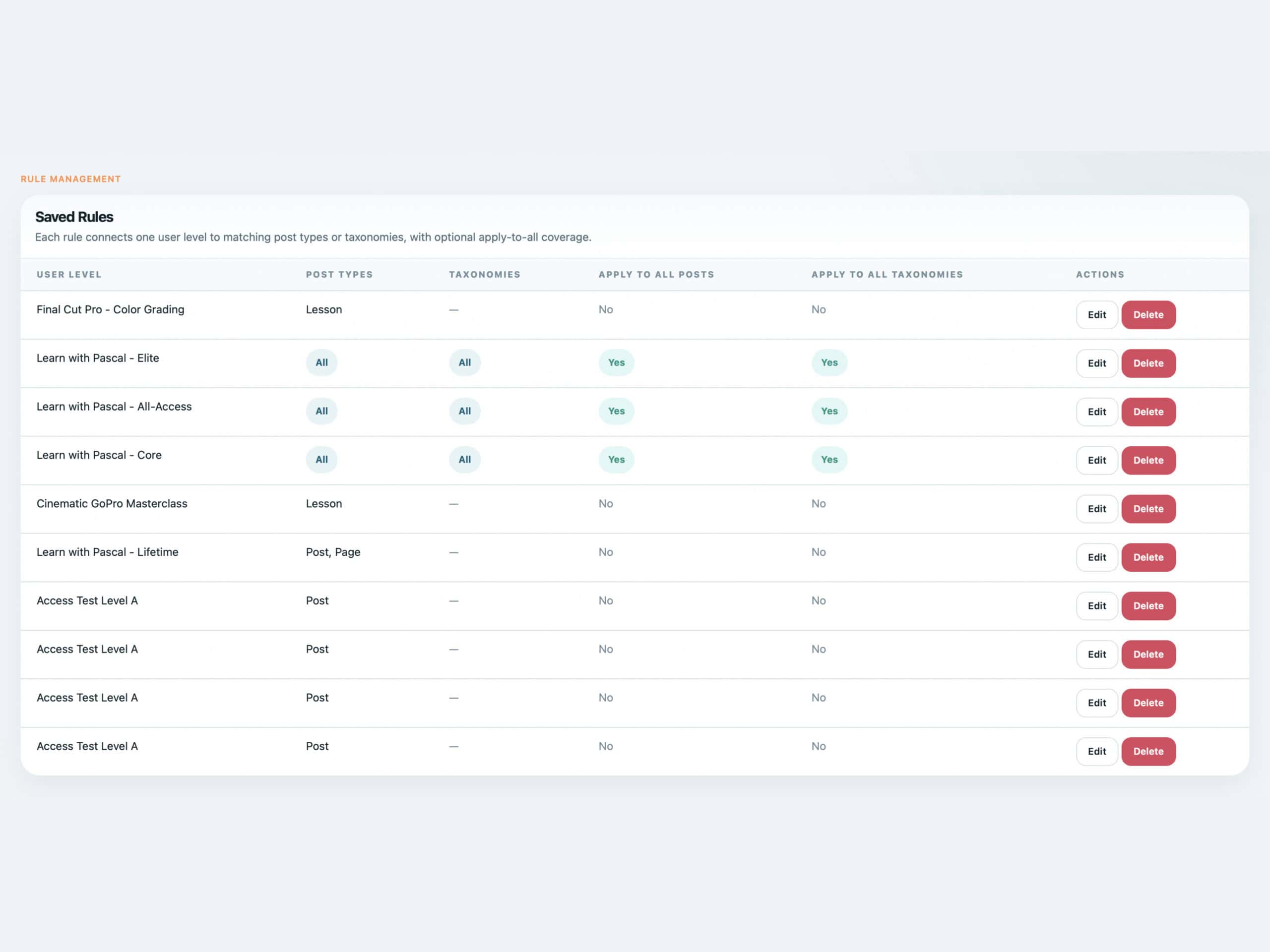
Automatically assign required membership levels to newly created posts or terms when saved rules match, so new content inherits access protection without opening every item manually.
- Rules can target post types, taxonomies, terms, and structure context
- Required levels are assigned during normal content saves
- Keeps new lessons, resources, and terms aligned with access rules
- Works alongside bulk operations for existing content
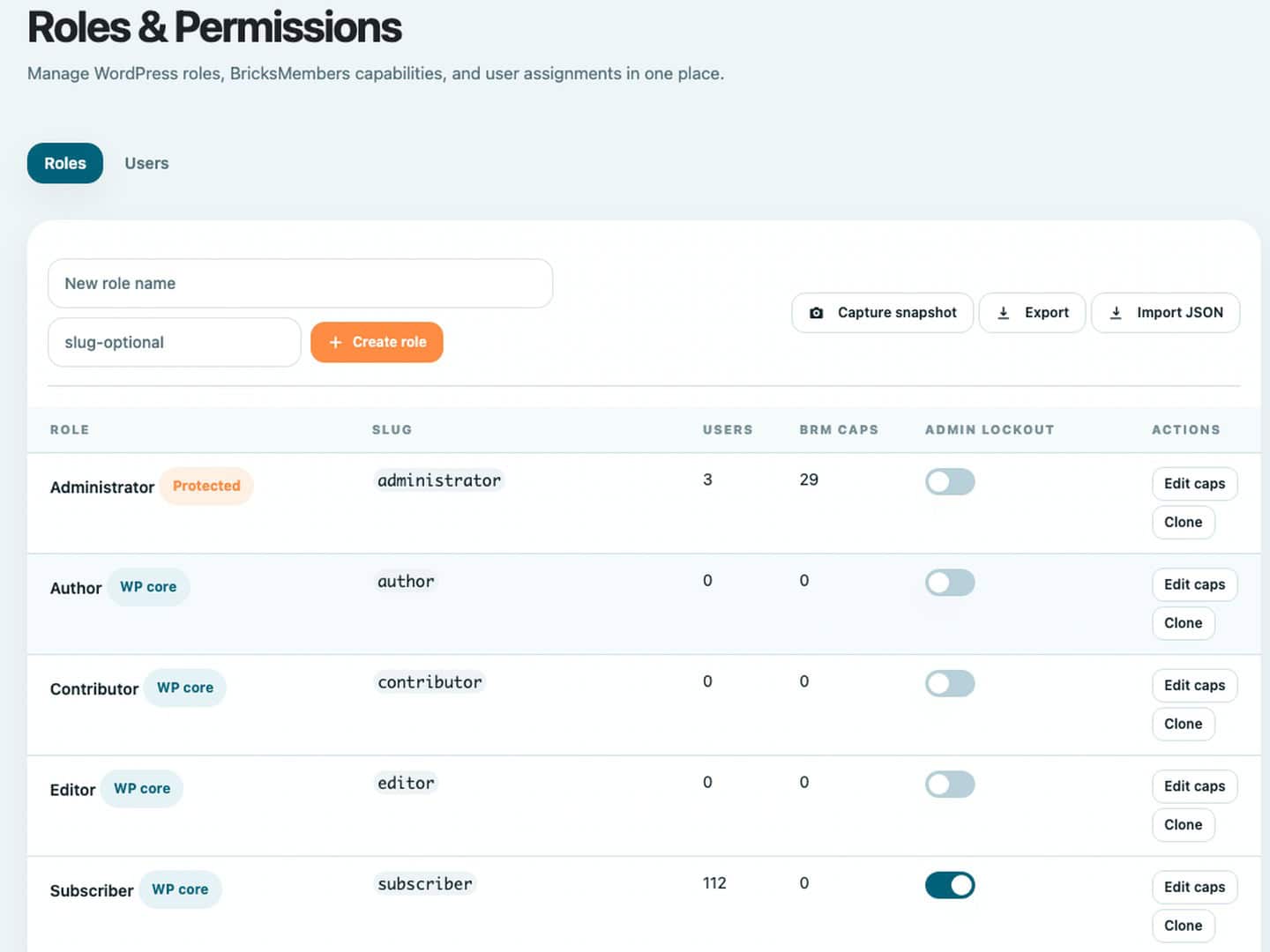
Dedicated Admin Capability Control
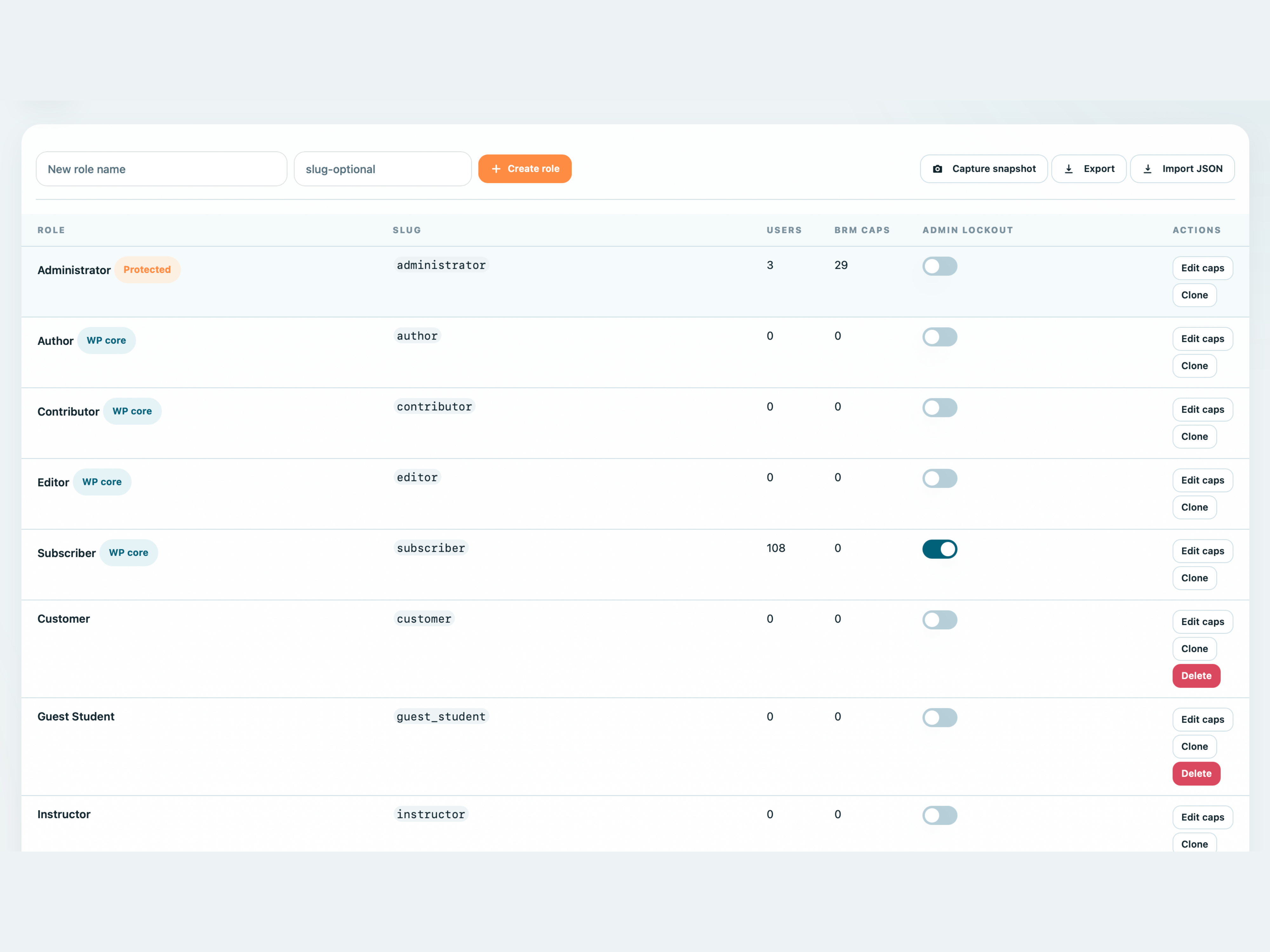
Manage BRM-specific capabilities, custom WordPress roles, admin access, role metadata, snapshots, import/export, and protected lockout rules from one roles surface.
- Create and edit custom WordPress roles for membership operations
- Assign BRM-specific capabilities without broad admin access
- Export, import, and compare role snapshots
- Protected lockout rules help avoid losing critical admin access
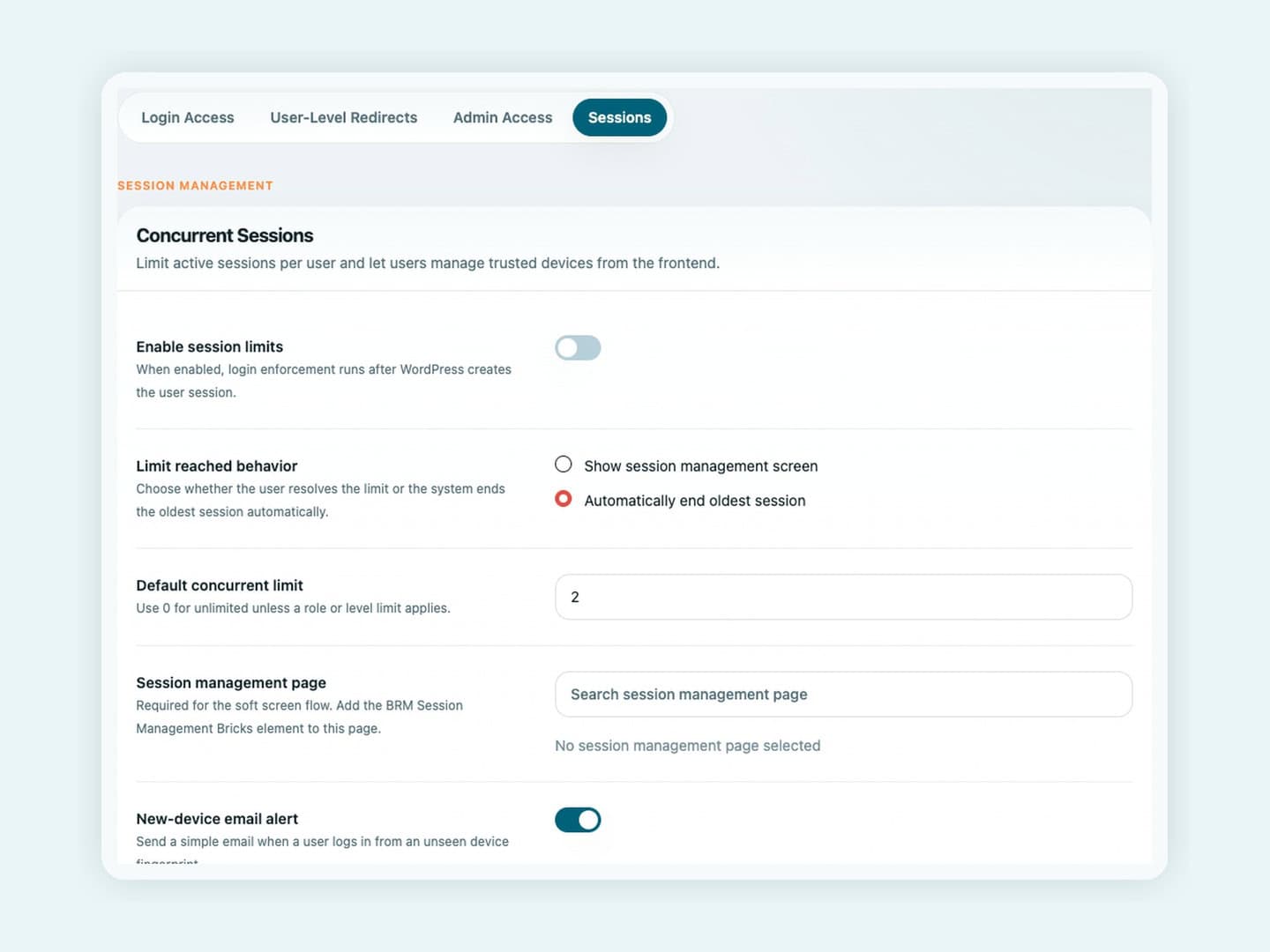
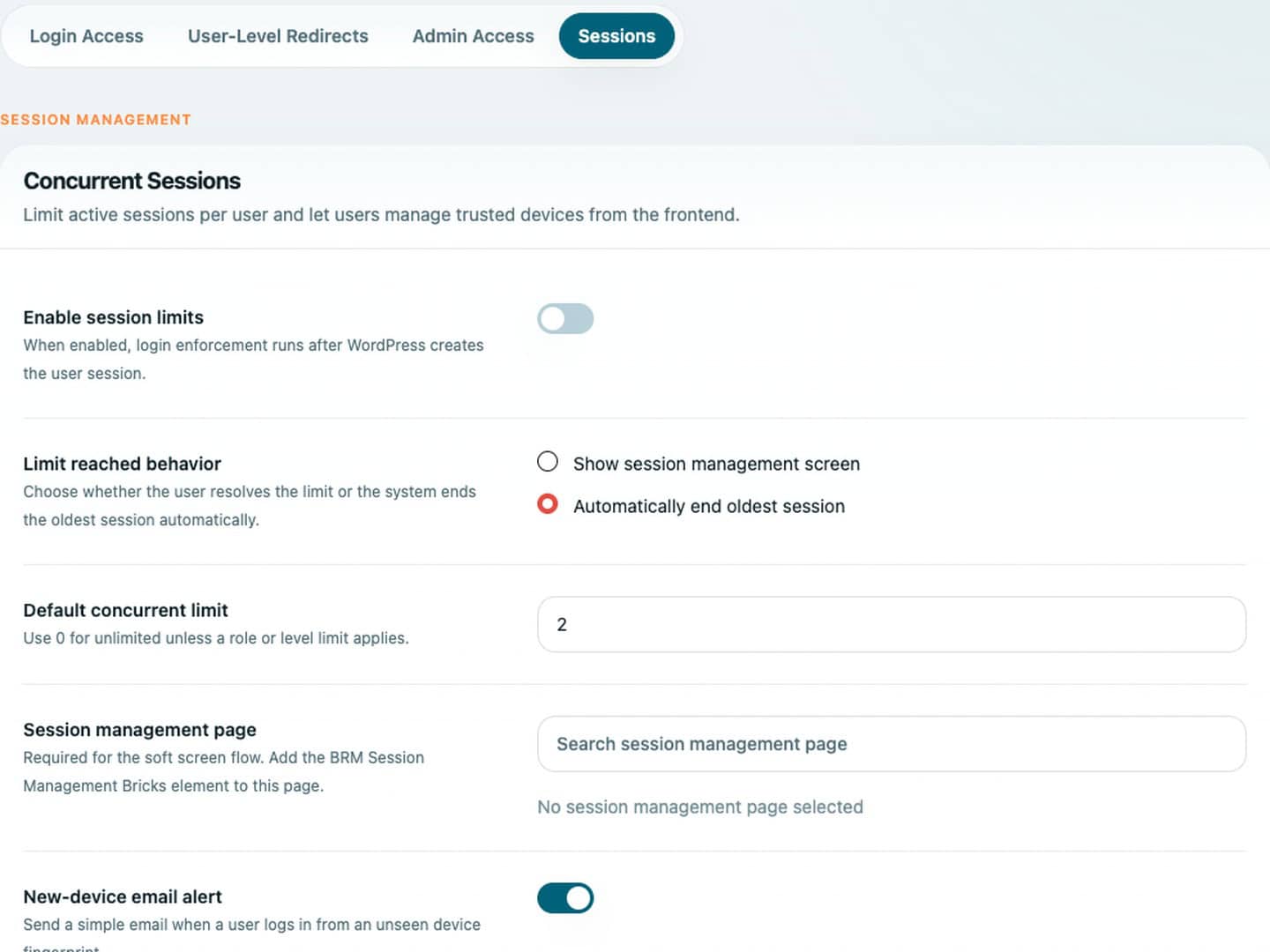
Limit Concurrent Logins Without Locking Out Members
Control how many active sessions a member can keep open and decide what happens when the limit is reached. Use global, role, or membership-level policies with a Bricks-native device management screen.
- Global, role-based, and level-based concurrent-session policies
- Soft screen flow with the BRM Session Management Bricks element
- Auto-end oldest session mode for stricter access control
- Optional new-device login email alerts