A Complete Course Platform
Content structures, progress tracking, drip content, video gating, quizzes, assignments, certificates.
Lesson discussions that stay attached to the lesson
Let members talk about the exact lesson they are watching or reading. Connected Content links the Community conversation to the WordPress lesson (or course) so context never gets lost in a generic forum category.
- Linked lesson cards inside Community posts
- Open the discussion from the learning page
- Works with your existing course structures — no parallel content tree
- Same Bricks styling as the rest of your member area

6 Levels Deep, Multi-Post-Type
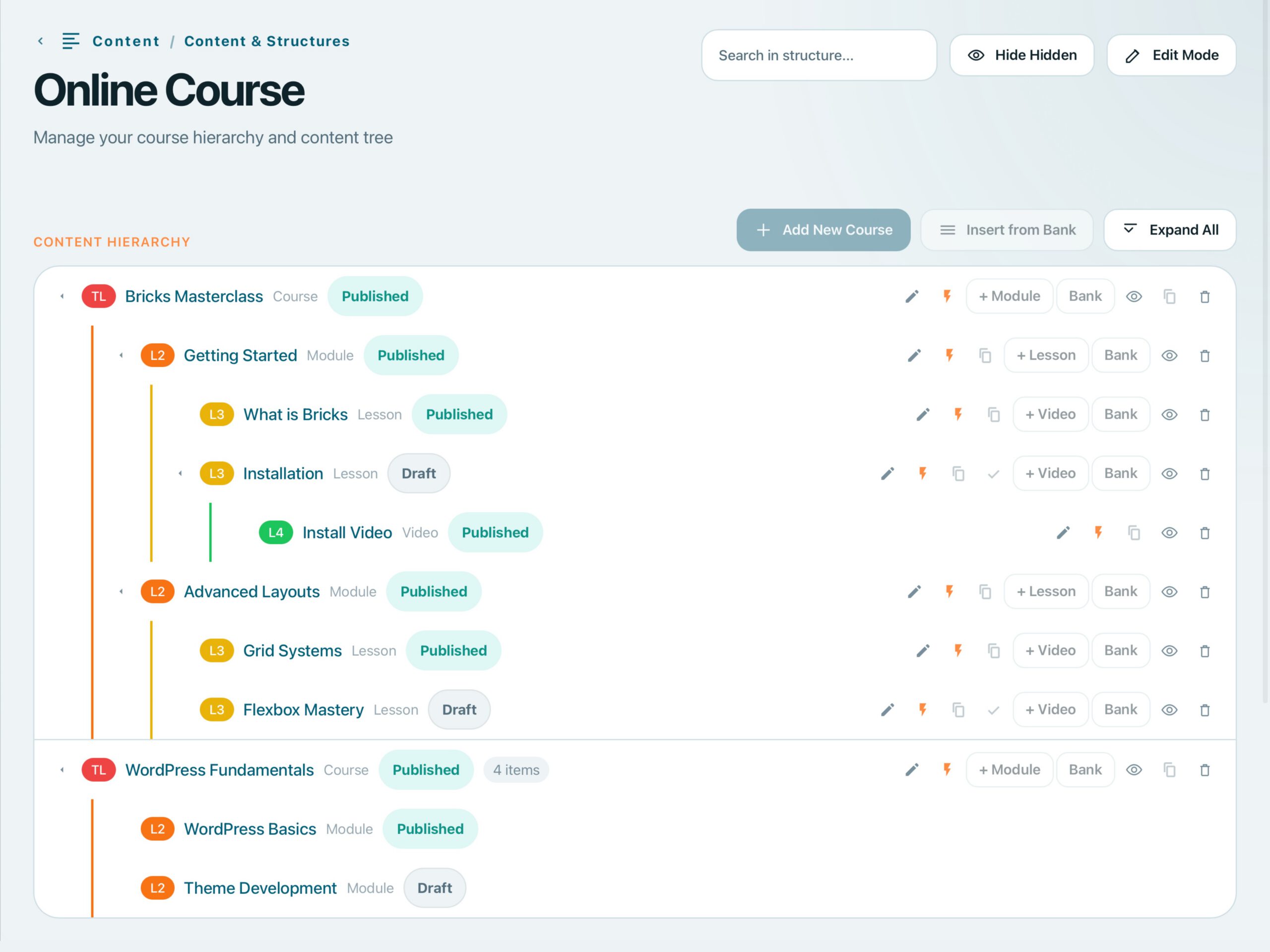
Build content hierarchies from simple two-level courses to complex six-level programs. Each level can use a different post type, giving you total flexibility over your content model.
- Up to 6 nesting levels per structure
- Mix post types: pages, posts, CPTs at any level
- Name levels anything: Course, Module, Lesson, Topic
- Drag-and-drop ordering in the admin
Progress Tracking with Checkboxes, Progress Bars & Partial Page Refresh
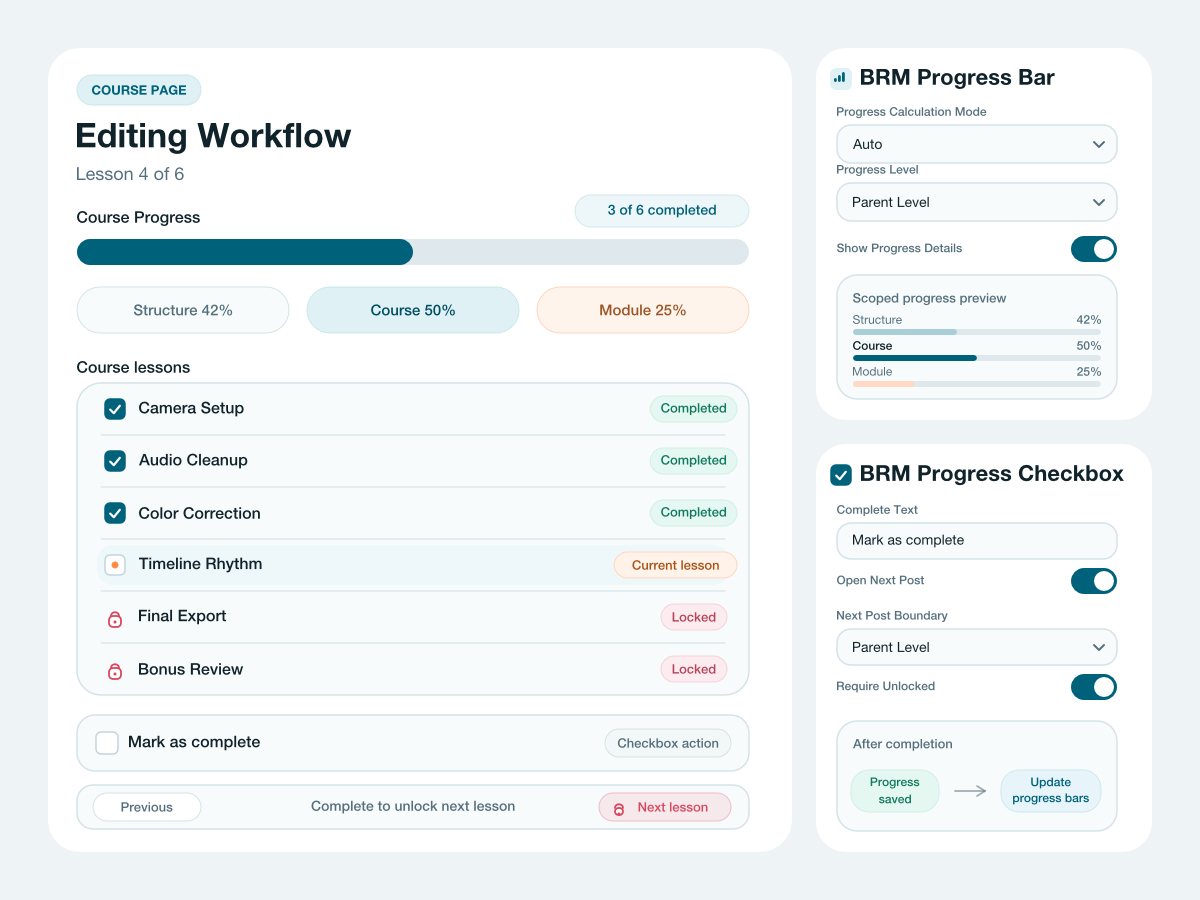
Track completion with visual checkboxes, video watch percentage and progress bars that update in real time via AJAX. Aggregate progress rolls up from child items to parent structures automatically.
- Mark-complete checkboxes on every content item
- Visual progress bars with percentage display
- AJAX-powered page updates without page reload
- Aggregate progress from lessons to courses
- Progress can be tracked via video element - read below
Unlock Content by Time, Prerequisite, and Cohort Drip
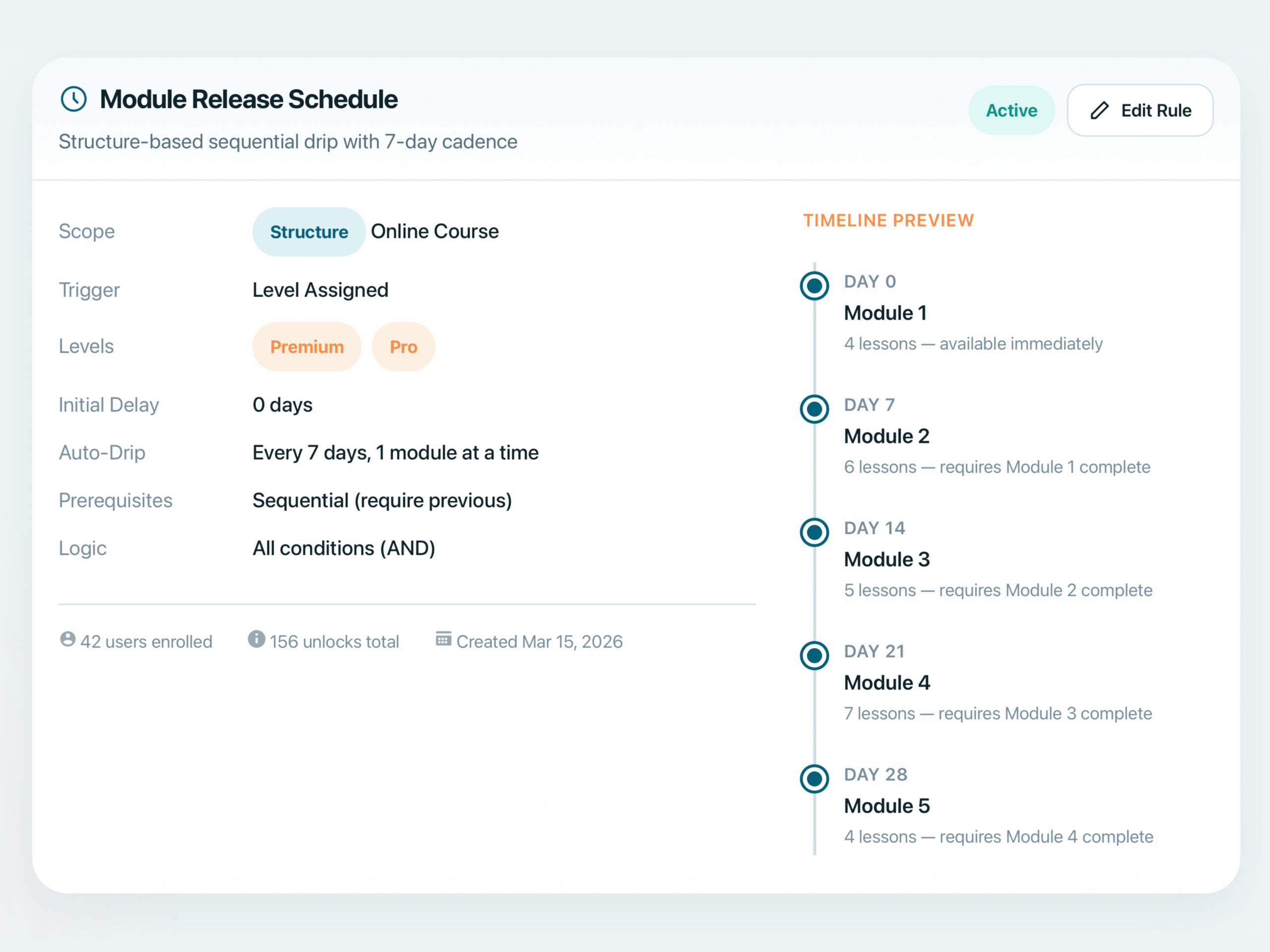
Control when content unlocks. Drip by days after enrollment, specific dates, prerequisite completion, or cohort-based schedules. Mix strategies within a single structure.
- Time-based: unlock X days after enrollment
- Prerequisite-based: complete A before accessing B
- Cohort-based: all members in a cohort share a schedule
- Date-based: unlock on a specific calendar date
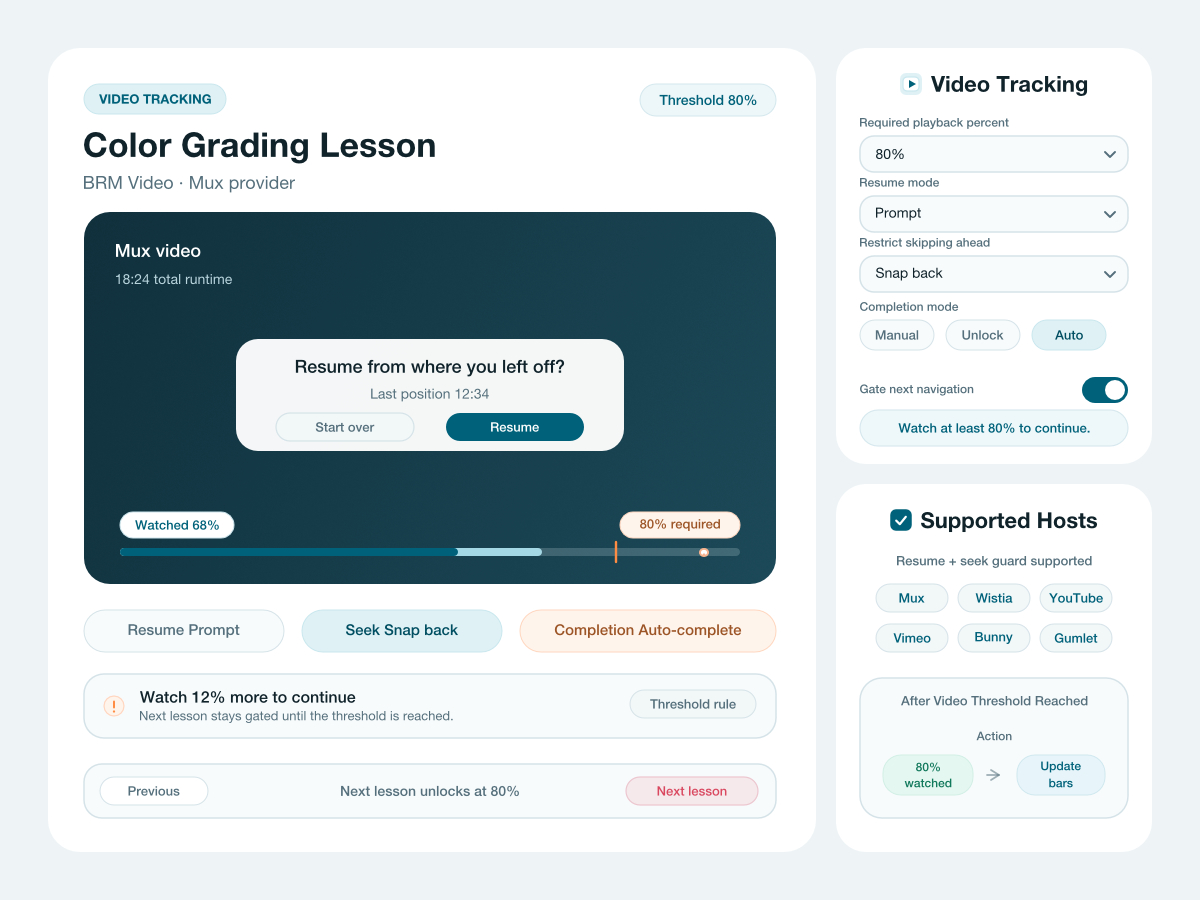
Video Watch Requirements and Skip Prevention
Require members to watch videos before progressing. Prevent skipping on the first viewing, resume playback from where they left off, and connect Mux, Wistia, Gumlet, Bunny Stream, YouTube, or Vimeo for a cleaner workflow. Direct HTML5 video URLs are supported too.
- Minimum watch percentage requirements
- Skip prevention on first viewing
- Resume playback from last position
- Mux, Wistia, Gumlet, Bunny Stream, YouTube, Vimeo, plus direct HTML5 video URLs
11 Question Types, Timed, Question Banks
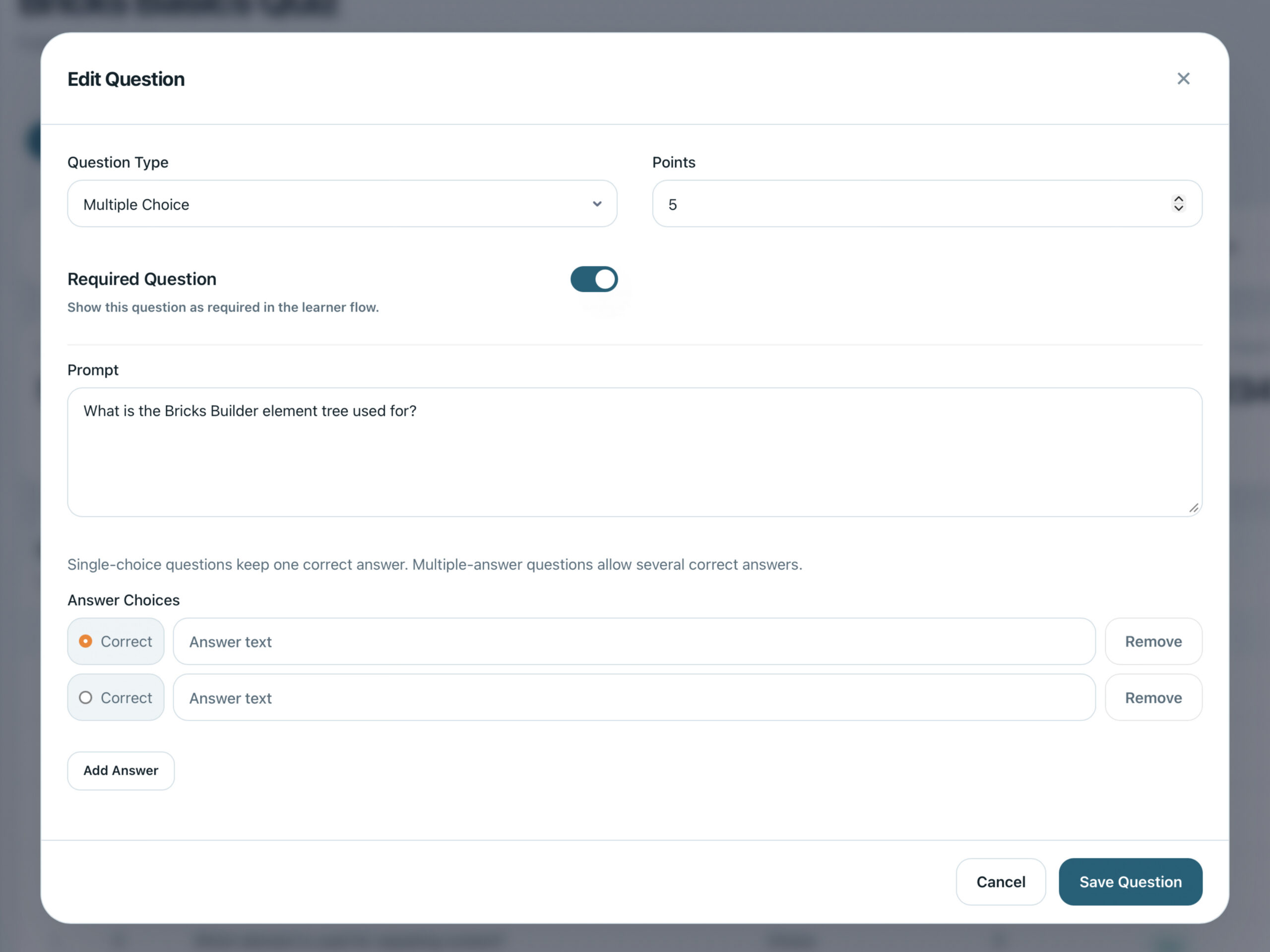
Build assessments with multiple choice, short answer, essay, matching, ordering, hotspot, fill-in-the-blank, true/false, and rating questions. Add time limits, randomize from question banks, and control retakes.
- 11 question types with auto-grading
- Timed quizzes with countdown display
- Question banks with random selection
- Retake limits and score thresholds
Text, File, URL Submissions
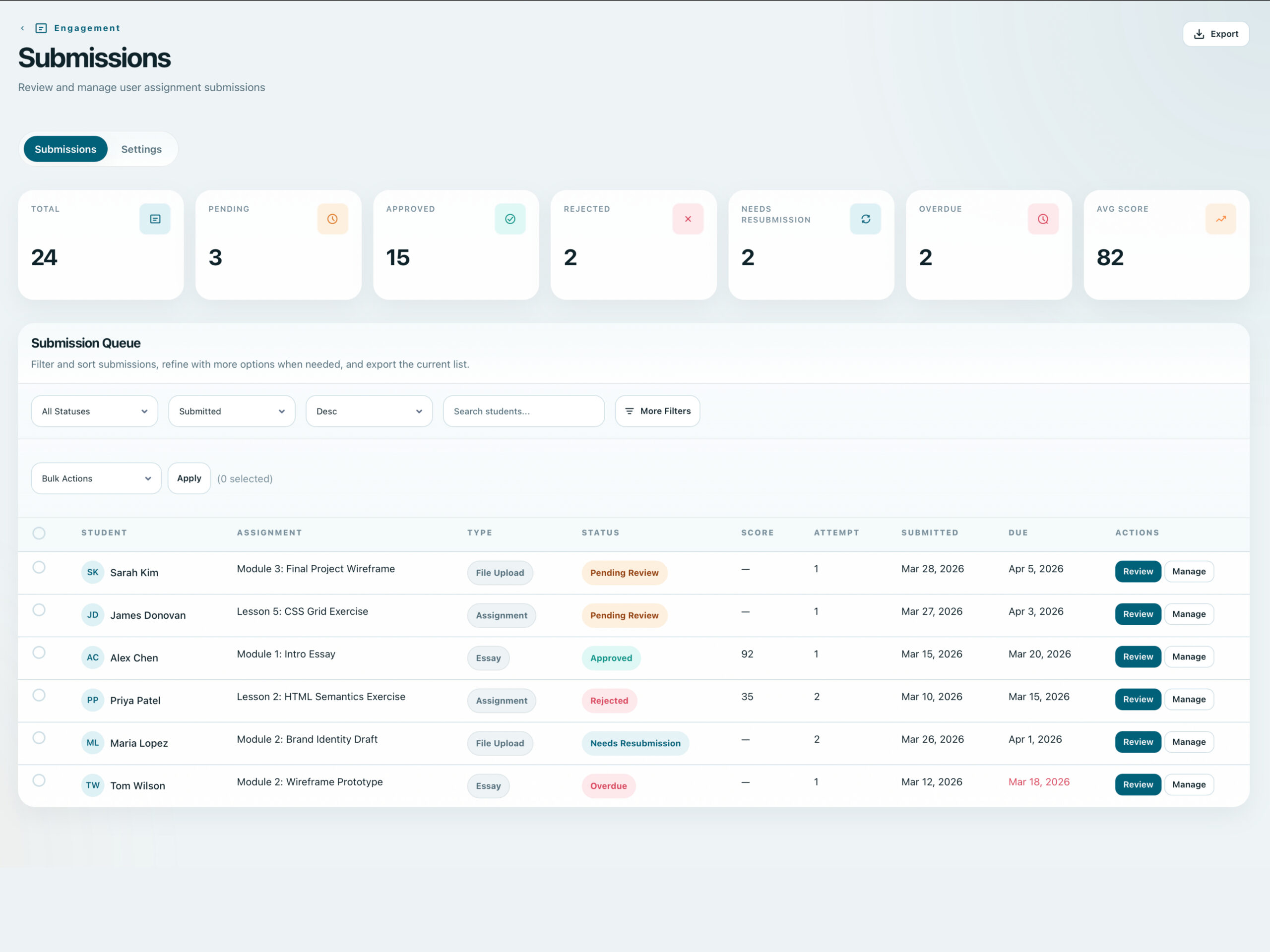
Accept text, file uploads, or URL submissions from learners. Instructors review, grade, and provide feedback through a structured workflow with automatic notifications.
- Text, file upload, and URL submission types
- Instructor review and grading workflow
- Due dates with late submission handling
- Automatic email notifications on submission and grade
PDF Builder, Auto-Issue, QR Verification
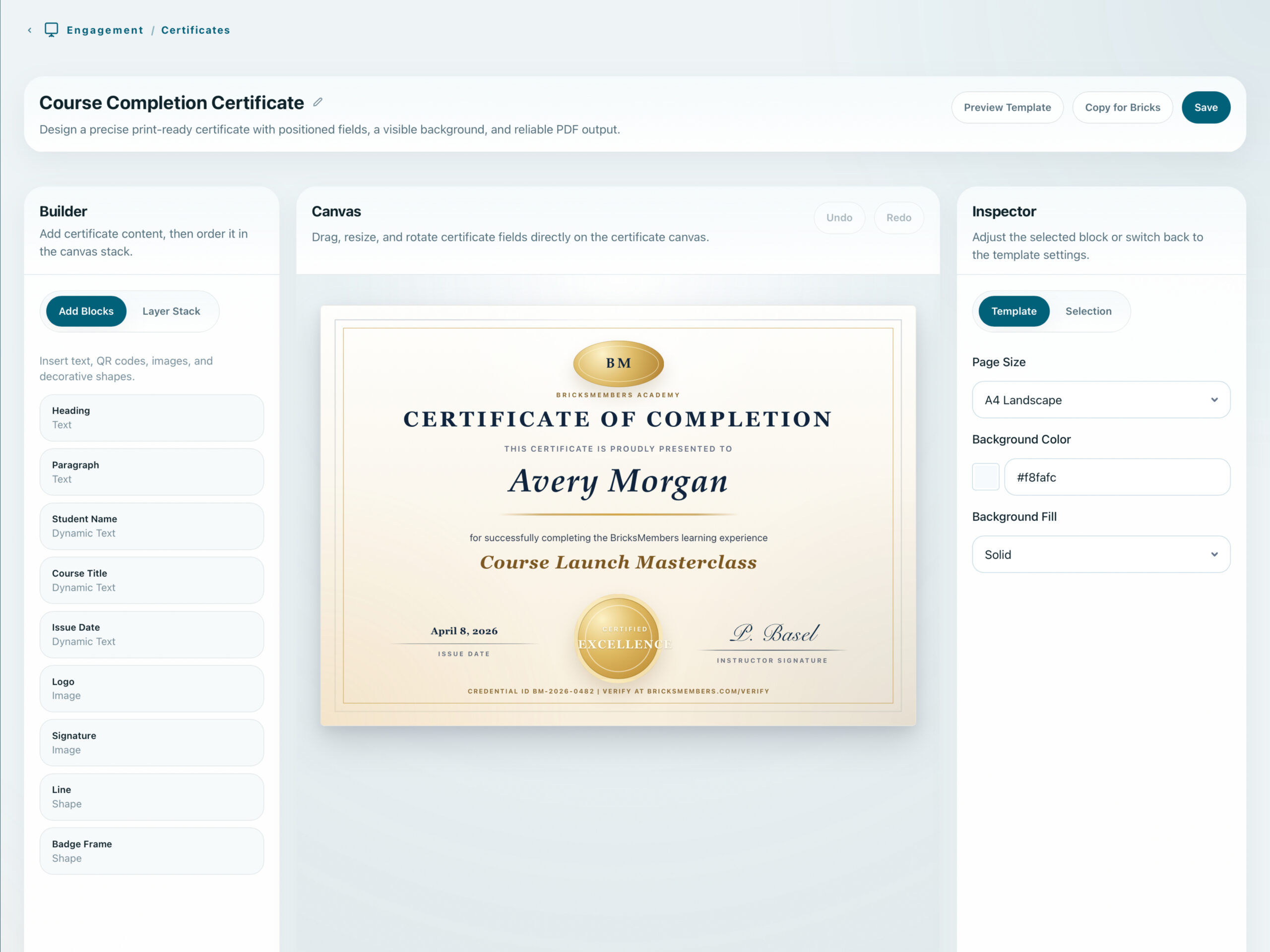
Design certificates with a visual PDF builder. Personalize with dynamic user data. Auto-issue on completion with QR code verification and Open Badges support for portable credentials.
- Visual PDF certificate builder
- Auto-issue on course or quiz completion
- QR code verification for authenticity
- Open Badges 2.0 for portable digital credentials
Reuse Lessons Across Multiple Courses
Turn any lesson, page, or resource into a reusable source item. Insert it into other course structures with Insert from Bank, and BRM creates a real proxy post for that placement. Each proxy keeps its own permalink, order, access, drip, and progress context while shared content stays synced from the source until you localize that one placement.
- Mark normal posts as reusable source items instead of duplicating lessons by hand
- Insert them into structures as real proxy posts, not shortcodes or virtual placeholders
- Update the source once to sync shared content everywhere, or localize a proxy when one course needs its own version
- Organize source items in collections, track usage counts, and import or export the source library as JSON
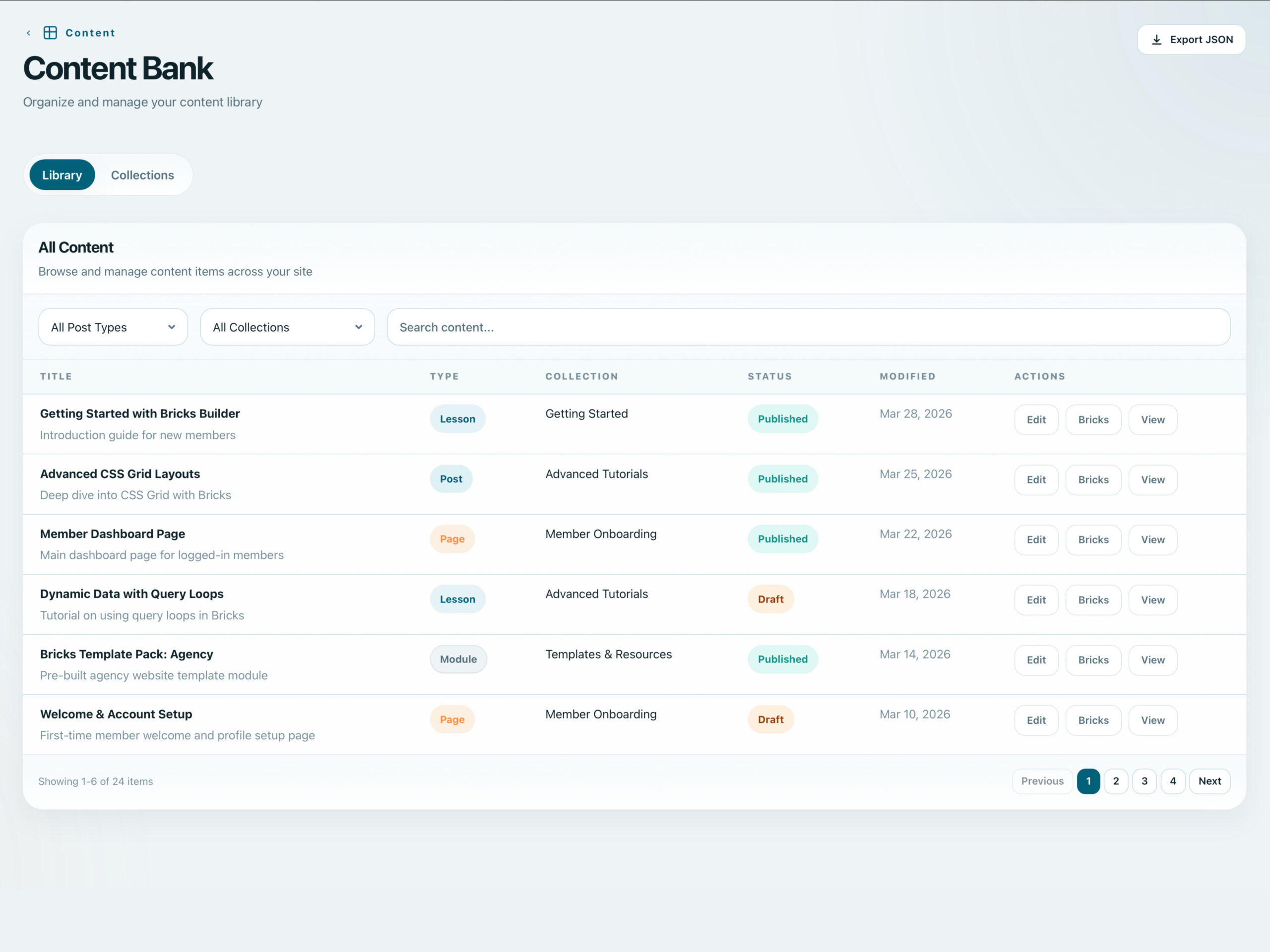
Live Classes, Webinars, and Cohort Sessions
Add live sessions to courses and cohorts without turning your LMS into a separate event platform. Use events for classes, webinars, Q&A, coaching calls, and scheduled community sessions.
- Registrations, waitlists, attendance, and join links
- Recurring events with independent occurrence state
- Zoom, Google Meet, and Microsoft Teams provider connections
- Works naturally with cohorts, groups, and learning schedules
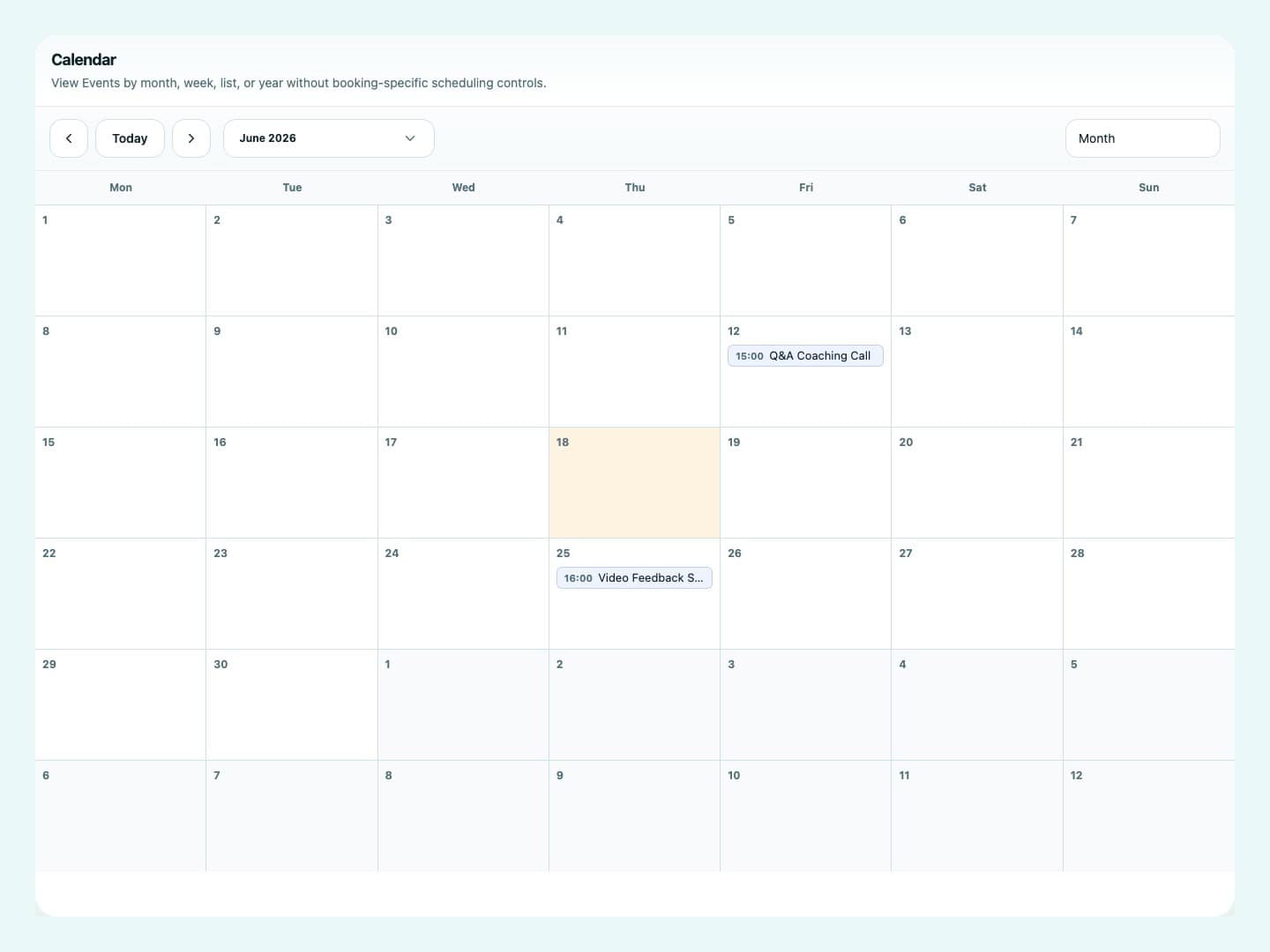










Course Fields Without Another Field Plugin
Create BricksMembers-owned fields for courses, lessons, resources, events, structures, and taxonomy terms. Store values as native post or term meta and use them in editors, Bricks, headless output, and AI/MCP workflows.
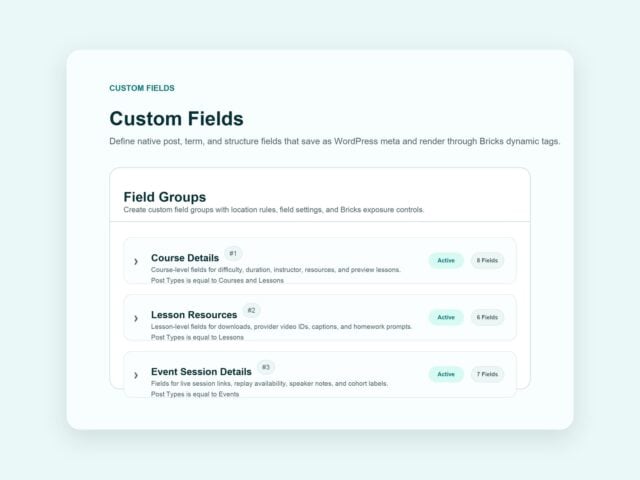
Edit Course Content Without Leaving the Structure
Move through a course structure and edit lesson or page content, settings, compatible custom fields, and native BricksMembers Custom Fields from one focused editor instead of opening every item separately.
Import SCORM Packages and Sync Completion
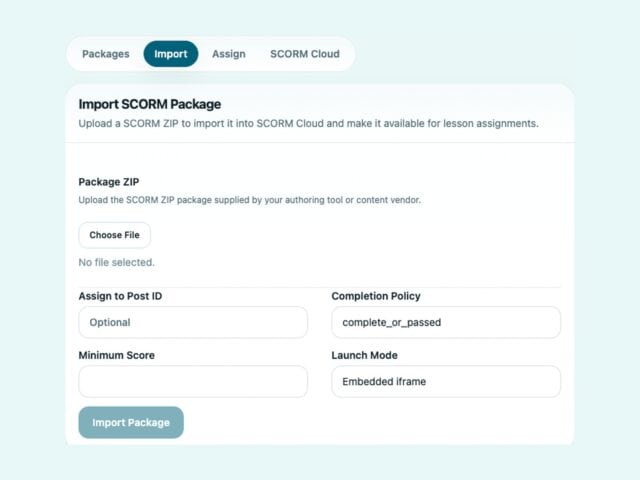
Import SCORM ZIP packages through SCORM Cloud, assign packages to lessons or pages, launch them with the native Bricks element, and map completion back into BricksMembers progress.