159 Bricks Builder Templates for Membership, Course & Community Sites. Free.
Ready-made Bricks templates for member-area pages, components, and edge-case states — including Community feeds, Spaces, conversations, and Connected Content parts. Use the standalone JSON as a clean starting point, or the Automatic.css version so variables and utility classes adapt to your chosen ACSS design.
Pick a feature family to start
Every member-facing screen in BricksMembers has a matching template. Start where you need to build and adapt the design from there.
Browse all 159
Filter by category or type. Click any template to preview it in detail.
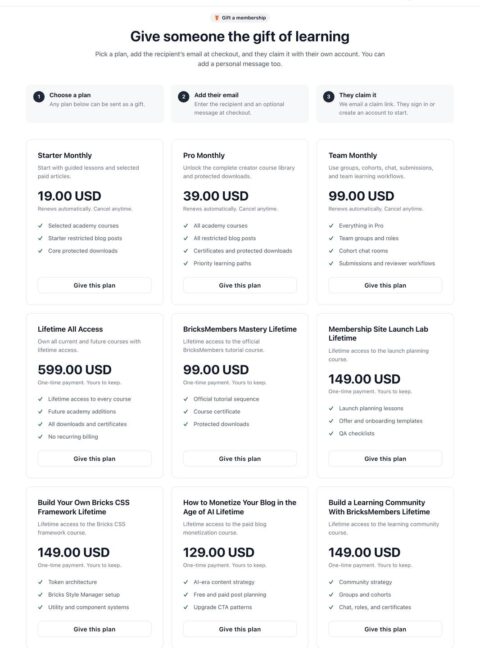
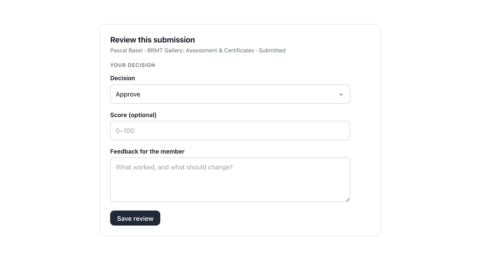
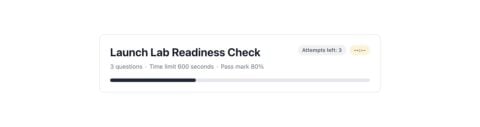
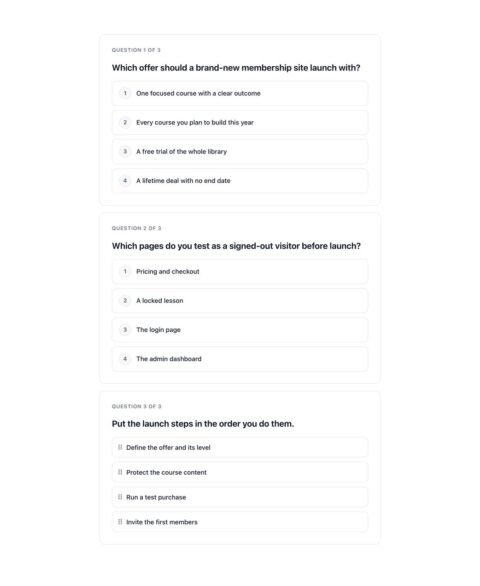
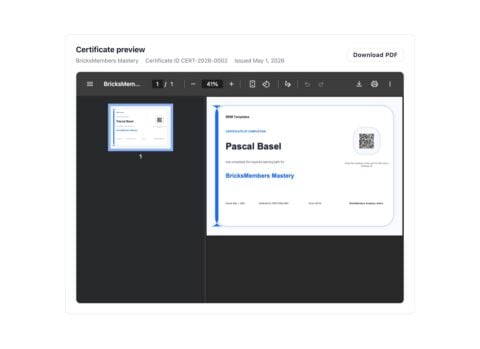
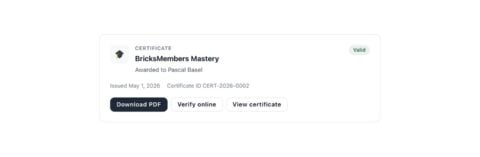
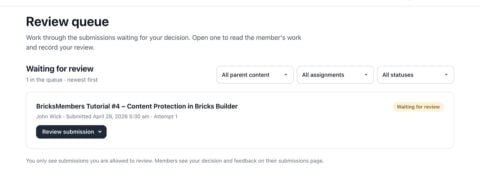
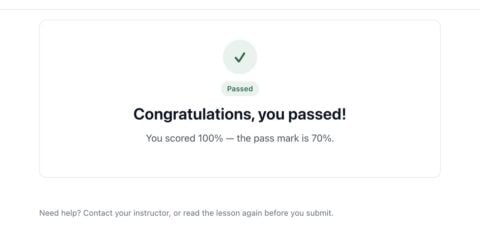
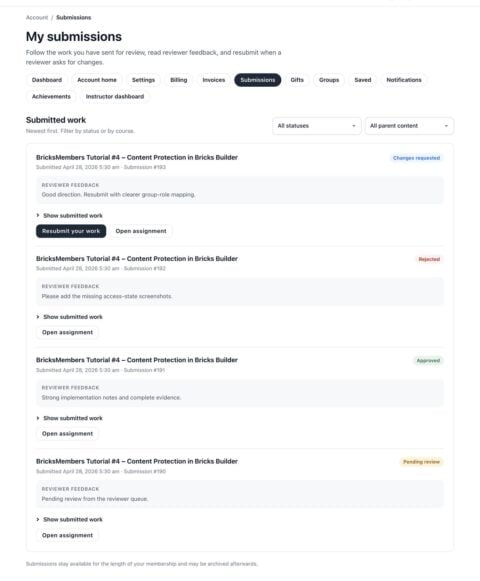
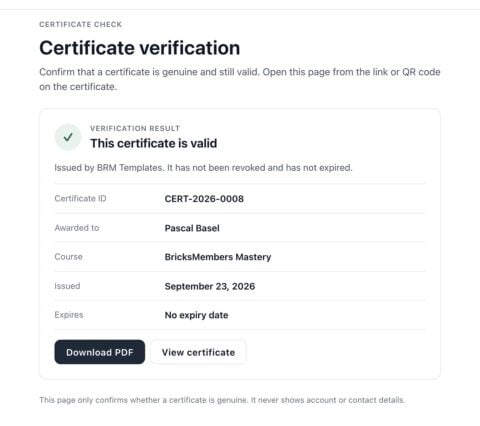
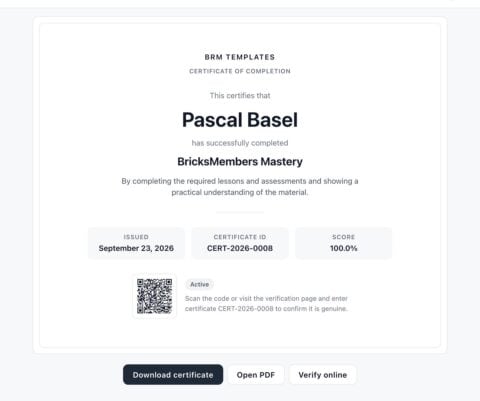
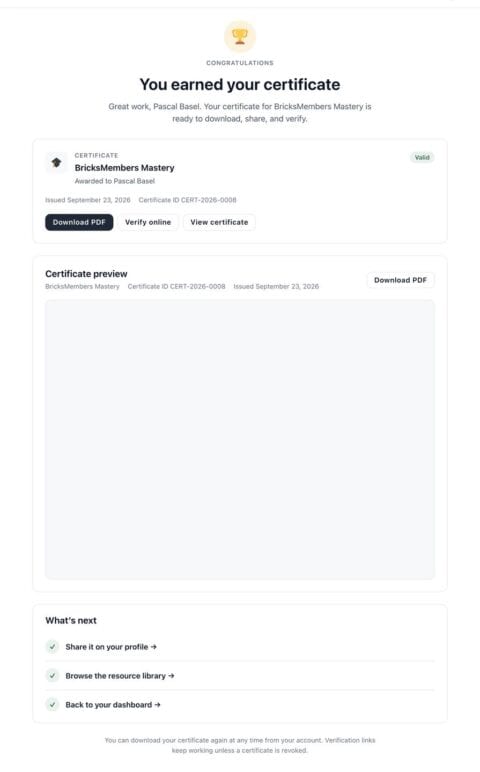
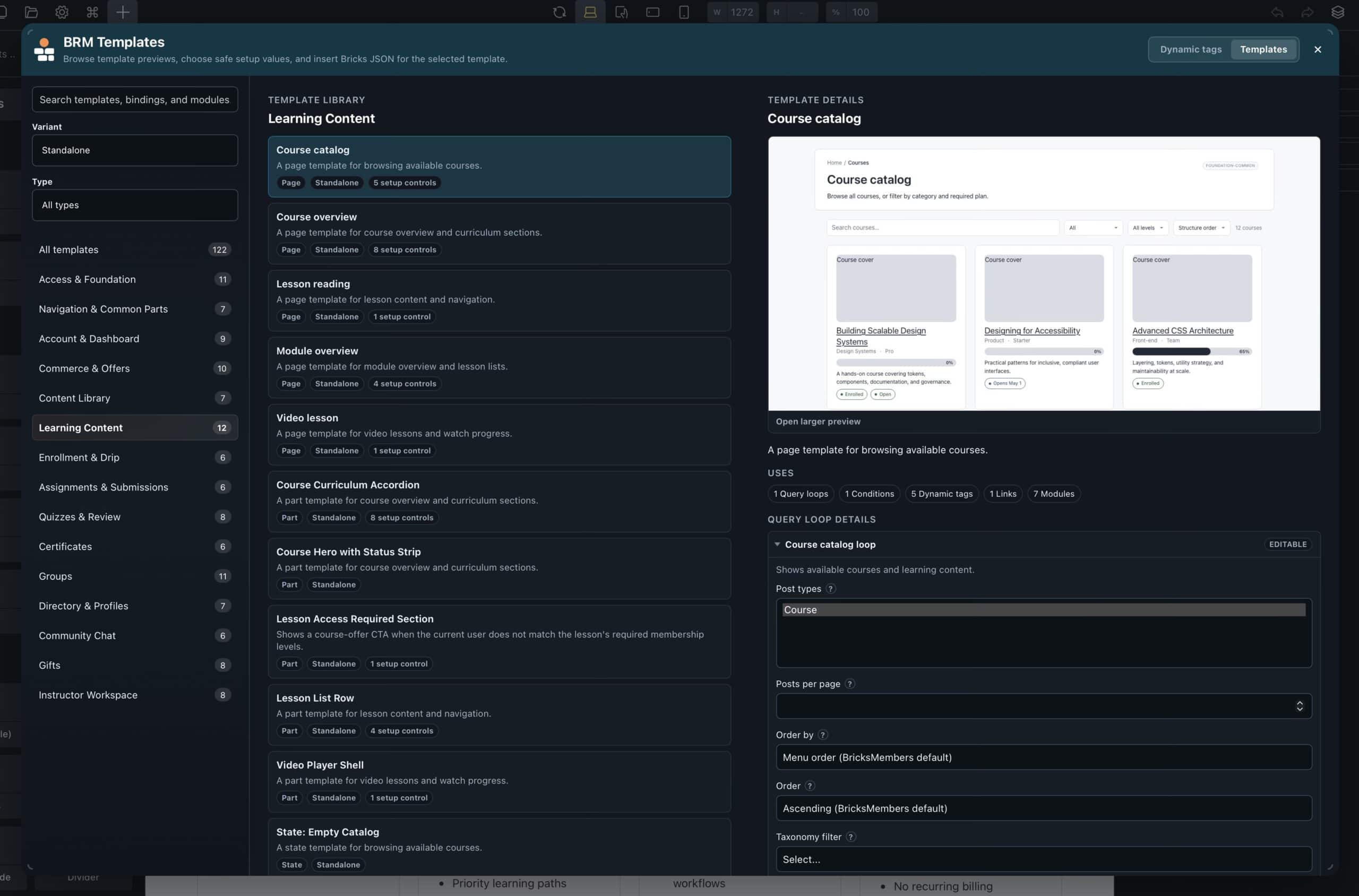
Every template lives inside a panel right in Bricks Builder.
Trigger the assistant with the bottom-left icon or keyboard shortcut. Browse all 159 templates by family, see the live preview, adjust settings, and drop the structure into your page with the right dynamic tags, conditions, and member queries.
Open the Assistant
A single button inside the Bricks Builder panel. No menu hunting, no template imports.
Pick & paste
Browse the gallery, click your template, and it drops in exactly where your cursor is.
Make it yours
Restyle with your global classes, adjust the layout, and make it match the site. Native Bricks elements, no lock-in.