Deep Bricks Integration
28+ custom elements, 400+ dynamic tags, 100+ conditions, 9+ query loop filters, and more. All native to Bricks.
16 Tag Families
Inject membership data anywhere in your Bricks designs. 16 tag families cover user data, progress scores, certificate links, level names, dates, quiz results, group info, and more. Works in text, links, images, and attributes.
- User data: name, email, avatar, custom fields
- Progress: scores, percentages, completion dates
- Levels: name, ID, assignment date, expiry
- Quiz, certificate, enrollment, group, billing, and event tags
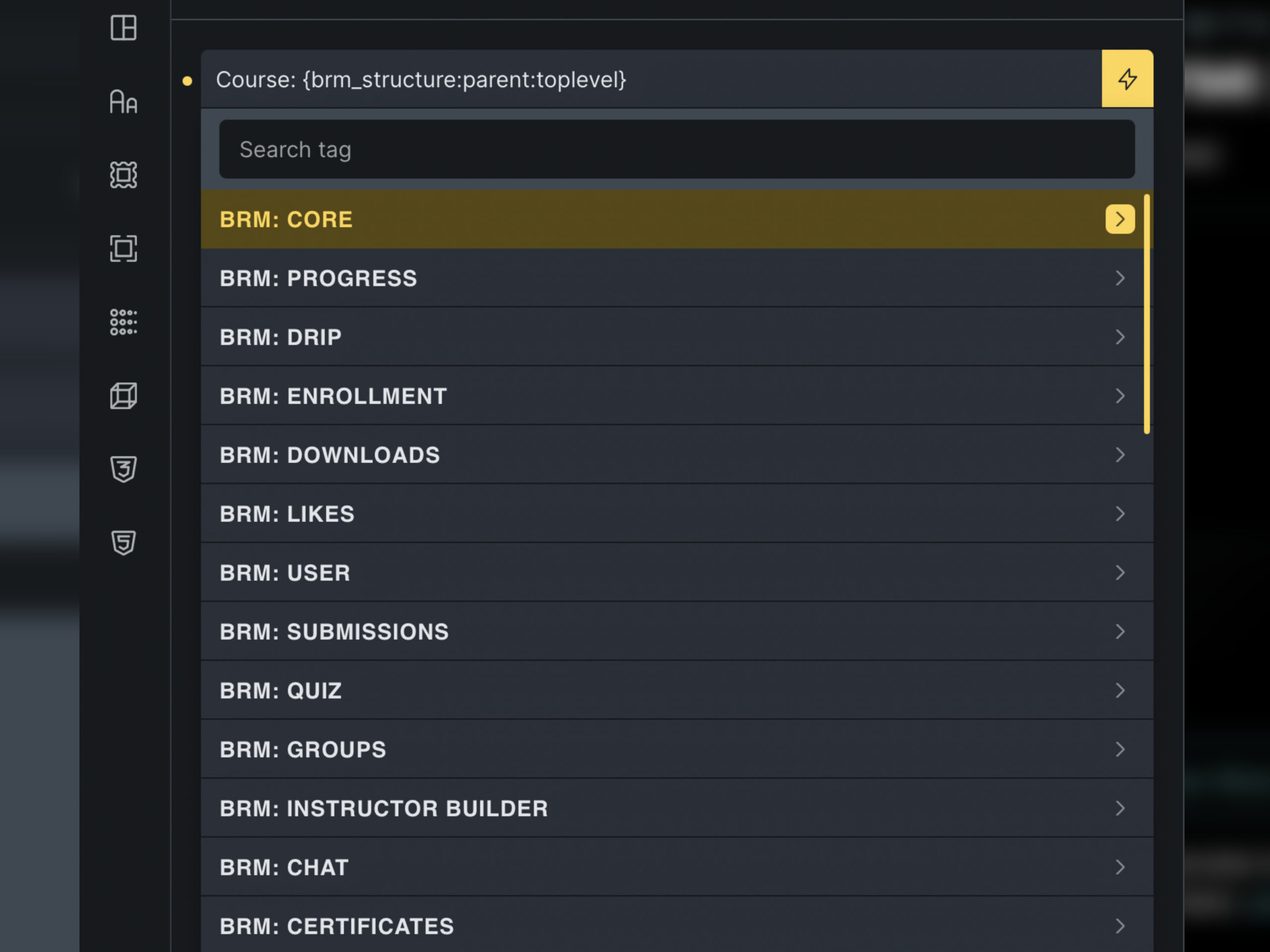
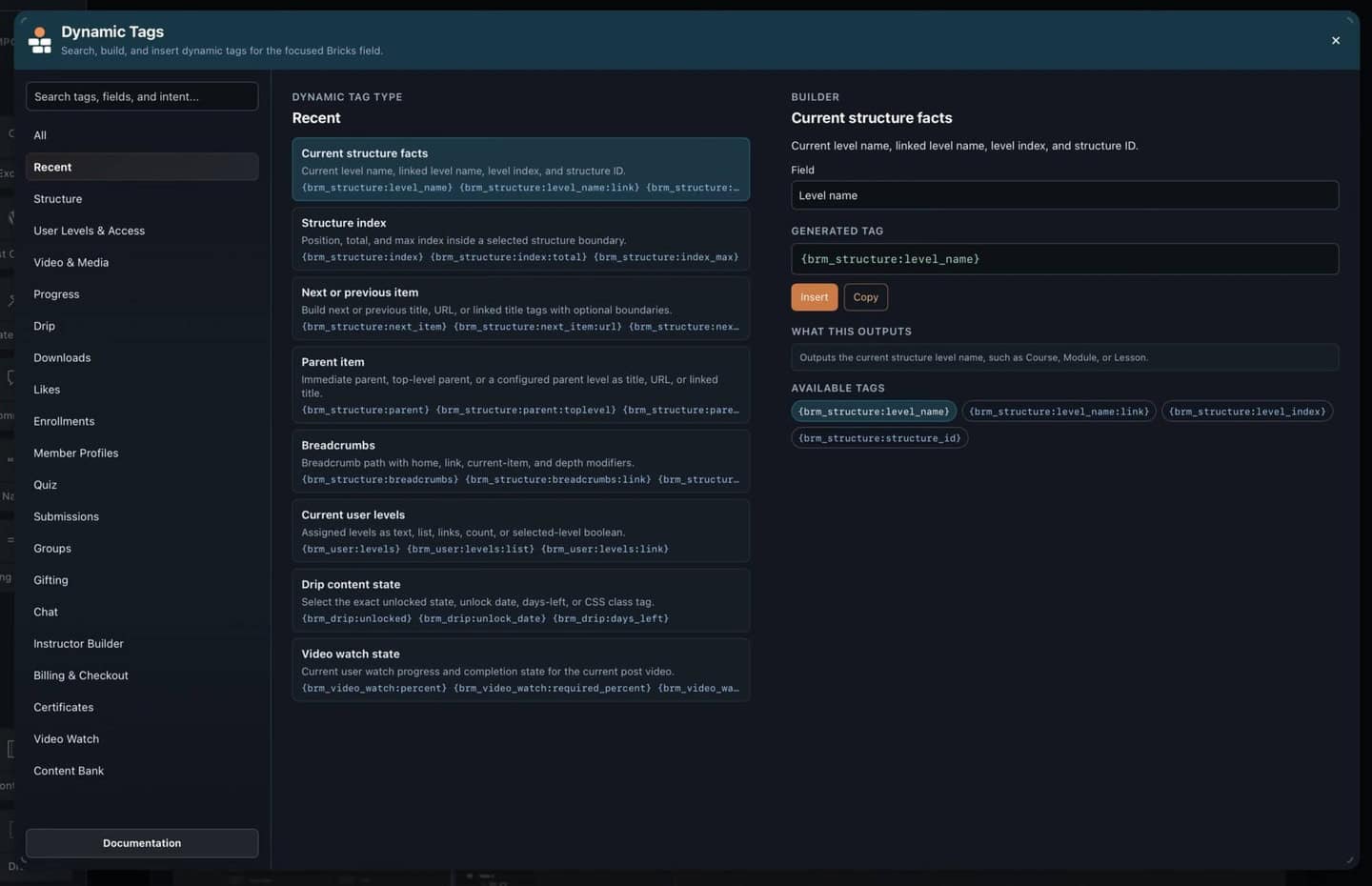
Find the Right Dynamic Tag Inside Bricks
Discover and generate BricksMembers dynamic tags directly in the builder with guided syntax, active-module suggestions, searchable sources, and configurable floating-button or keyboard shortcut access.
- Searchable sources grouped by active module
- Guided syntax for tags, arguments, and output formats
- Floating-button or keyboard-shortcut access in the builder
- Designed for Bricks settings where dynamic data is already used
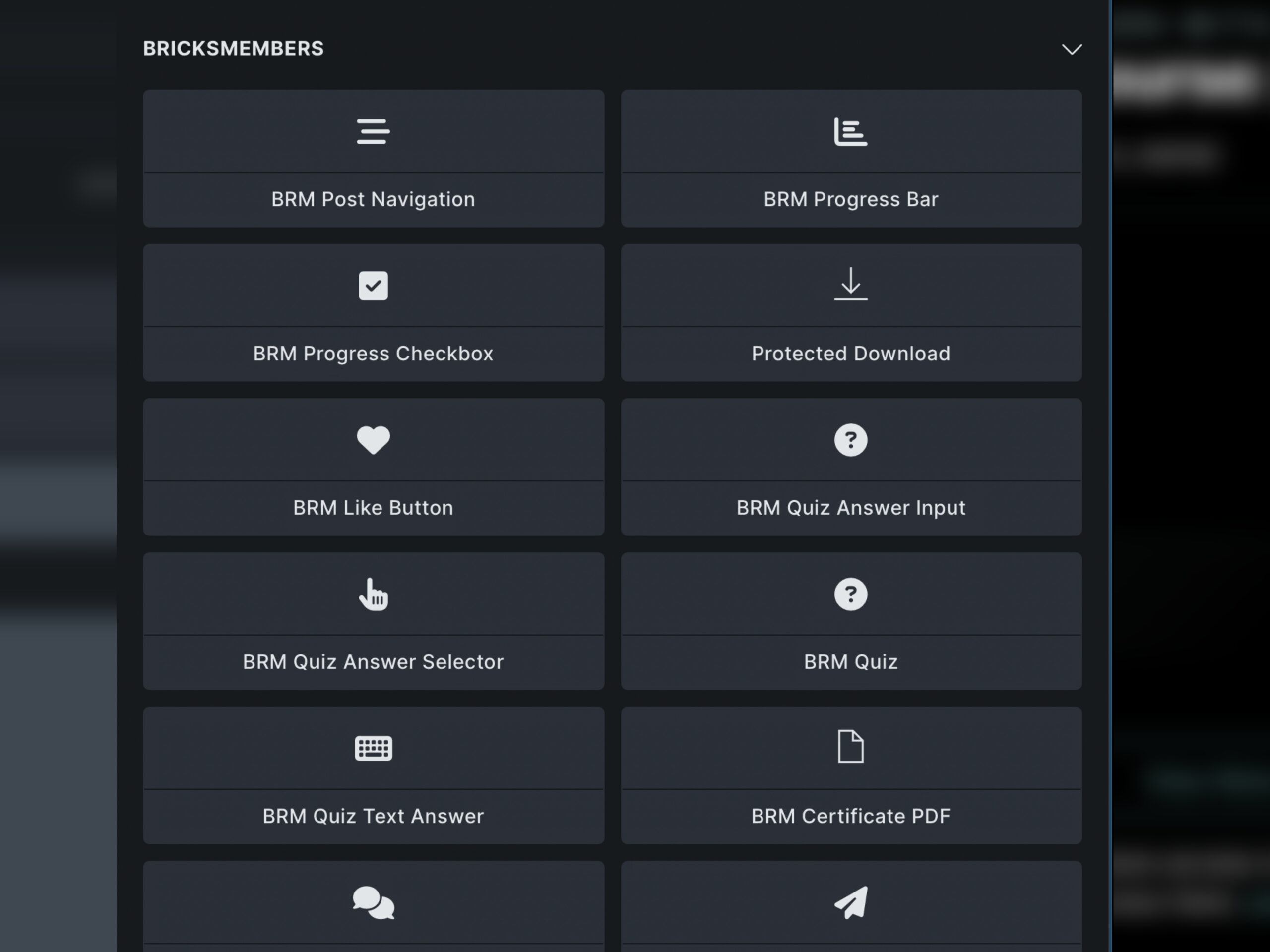
Drag-and-Drop Bricks Elements
Purpose-built Bricks elements for every membership need. Each element acts as a data provider with full Bricks styling controls, or use them as-is for rapid development.
- Progress Bar, Mark Complete, Content Navigation
- Quiz, Question, Answer, Quiz Results
- Checkout, billing, payment history, checkout fields, consent
- Certificate, Like Button, Chat, Profile, Downloads, Event Calendar
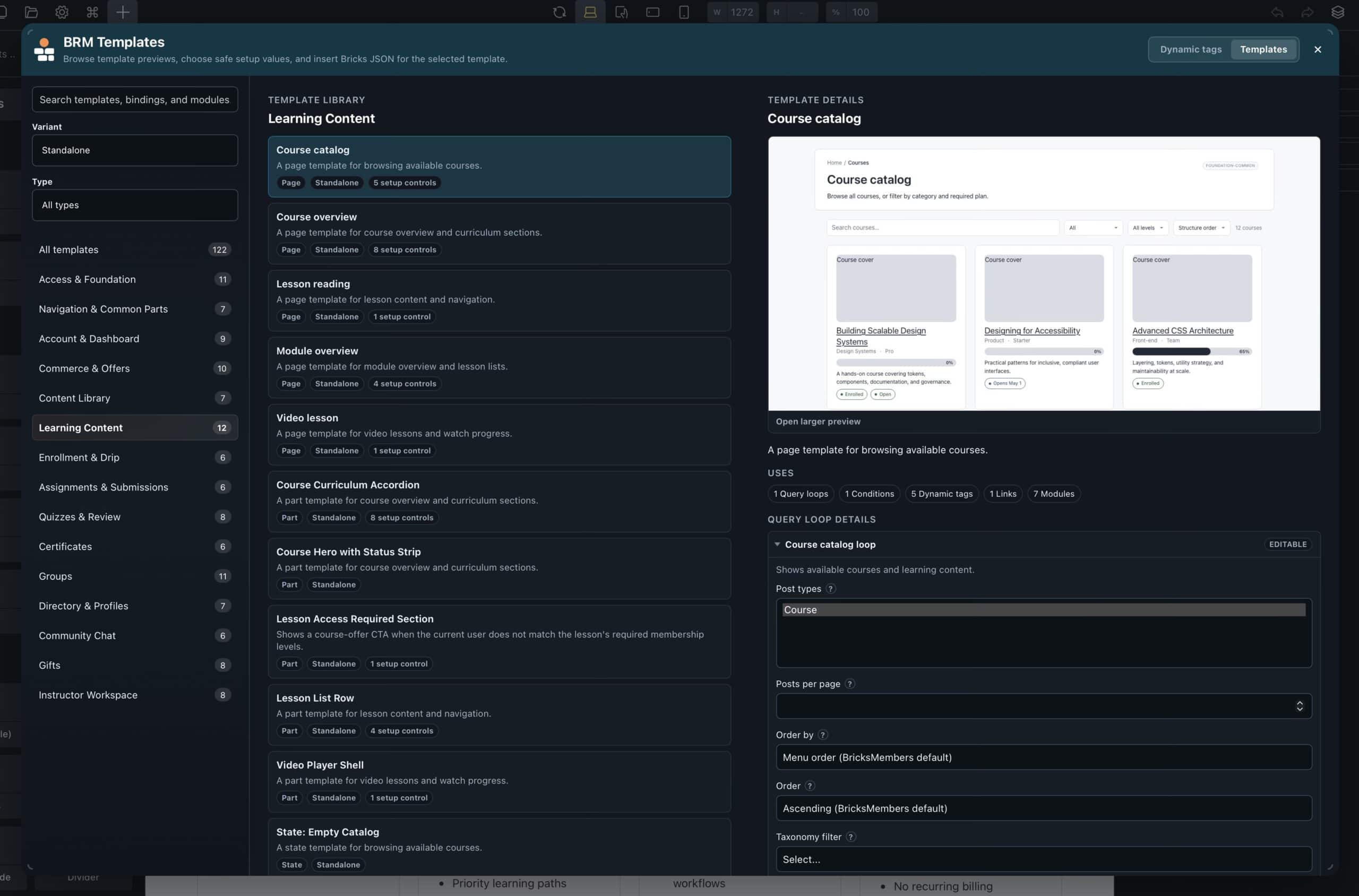
Starter BRM Templates Inside the Builder
Insert starter BricksMembers templates directly into Bricks, including standalone and ACSS variants, with setup controls, previews, and generated Bricks JSON payloads.
- Standalone and ACSS template variants
- Setup controls for page links, post types, offers, and routes
- Preview-backed template selection
- Generated Bricks JSON payloads inserted into the builder
12 Condition Groups
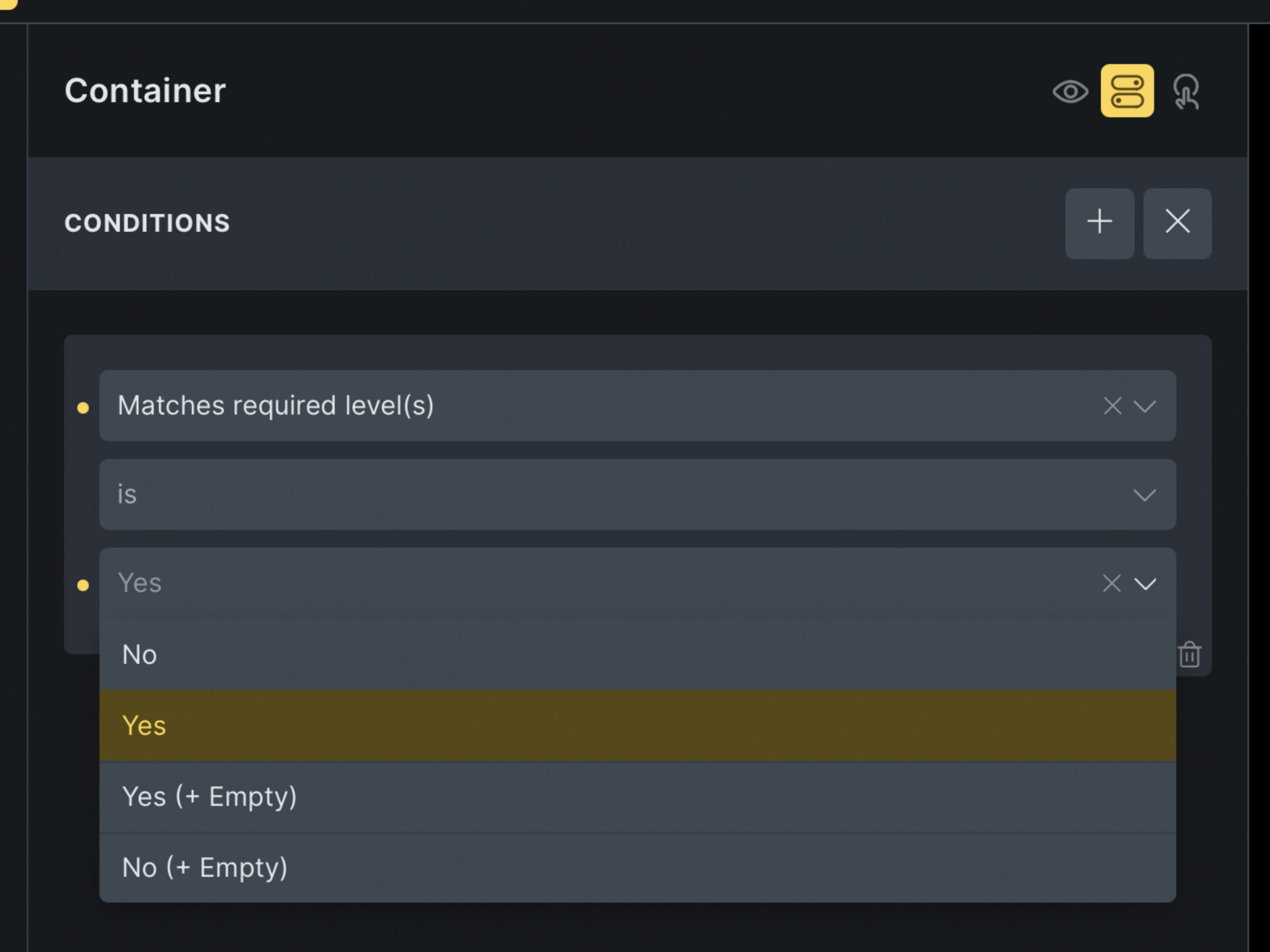
Show or hide any Bricks element using 100+ conditions across 12 groups. Conditions check user level, completion status, quiz results, enrollment state, group membership, and custom logic, all from the Bricks Inspector.
- User level: has level, has any level, level count
- Progress: completed, in progress, not started
- Quiz: passed, failed, score threshold, attempts
- Enrollment, drip, group, certificate, billing, and event conditions
Filter Query Loops by Membership Data
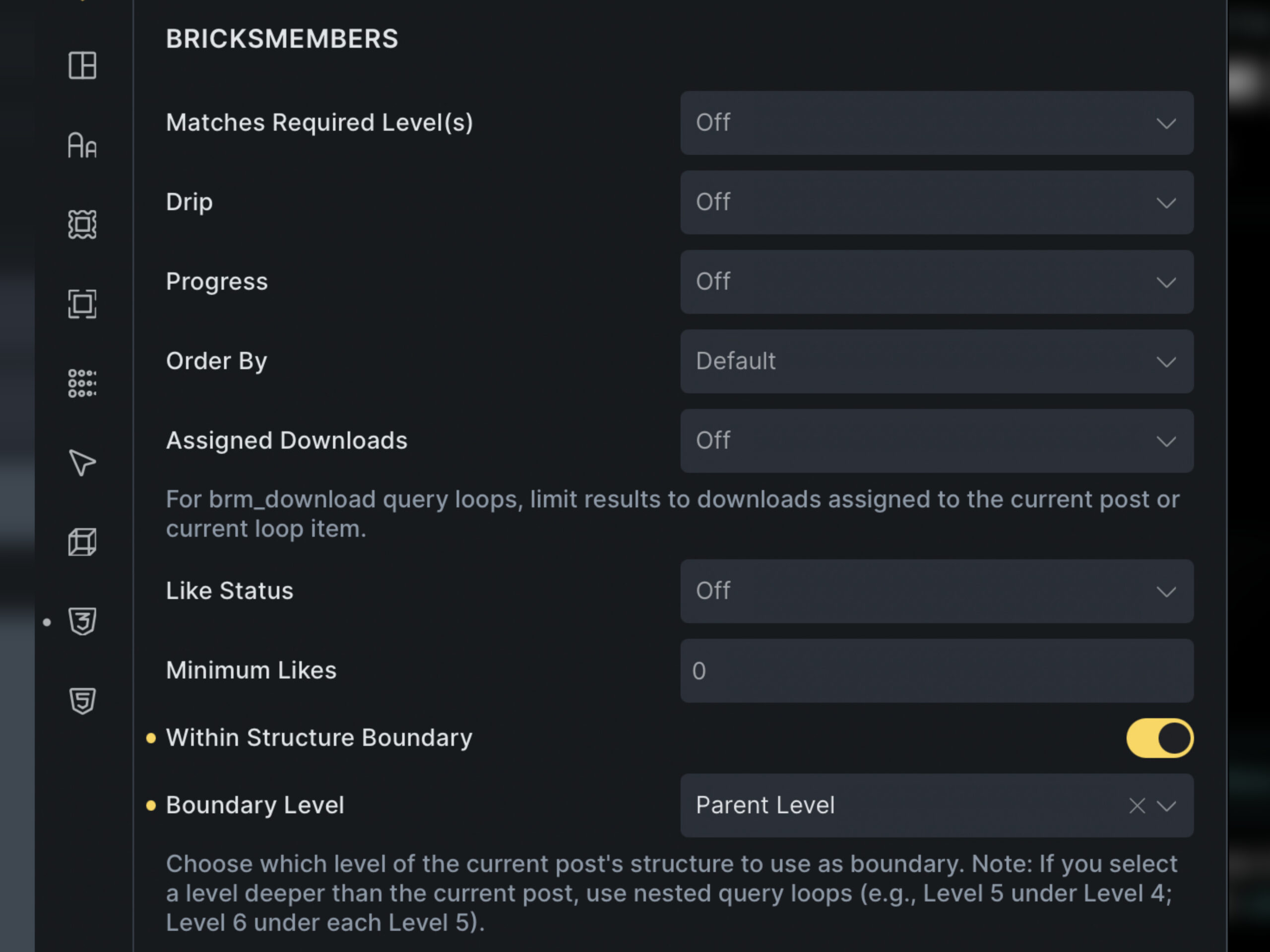
Filter Bricks query loops by membership data. Show only content the user has access to, display completed items, list enrolled courses, or filter by progress threshold.
- Filter by user level assignment
- Filter by completion status
- Filter by progress percentage threshold
- Filter by structure membership and enrollment
32 Modules, Zero Overhead
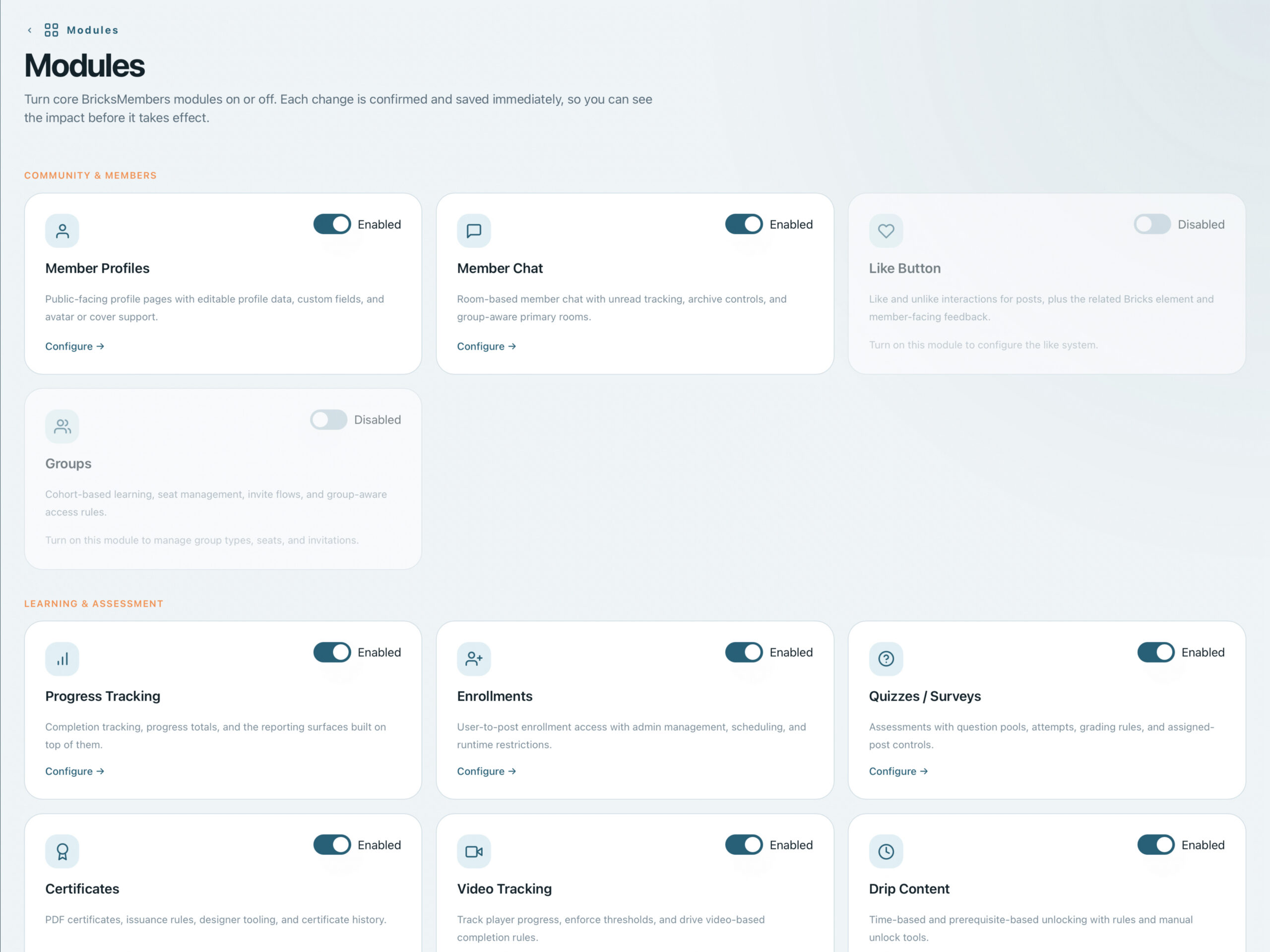
BricksMembers is built as 40 independent modules. Activate only what you need. Disabled modules add zero overhead: no database queries, no loaded files, no registered hooks. Toggle everything from one settings screen.
- 40 independent, toggleable modules
- Zero overhead from disabled modules
- One settings screen to manage all modules
- Each module registers its own hooks, assets, and queries
Register, Assign Levels, Enroll & More in One Form
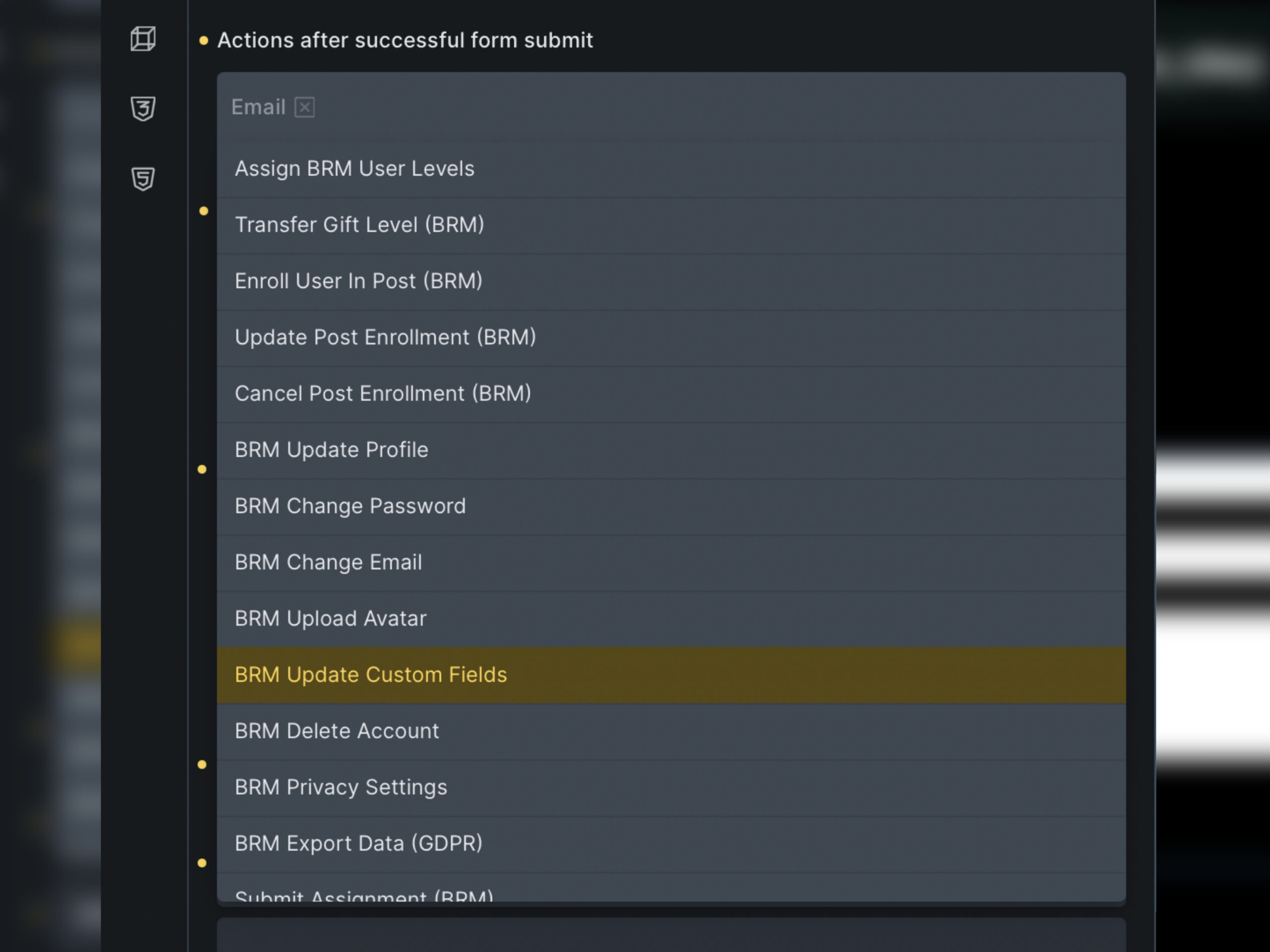
Turn Bricks forms into membership onboarding flows. Map fields to WordPress user data, create the account, assign levels, start enrollments, and drop the new member into the right experience without another plugin in the middle.
- Create WordPress users directly from Bricks form submissions
- Assign one or more levels the moment the form is sent
- Trigger structure enrollments and follow-up automations
- Build branded signup and onboarding flows fully inside Bricks
Worried Bricks Means Lock-In?
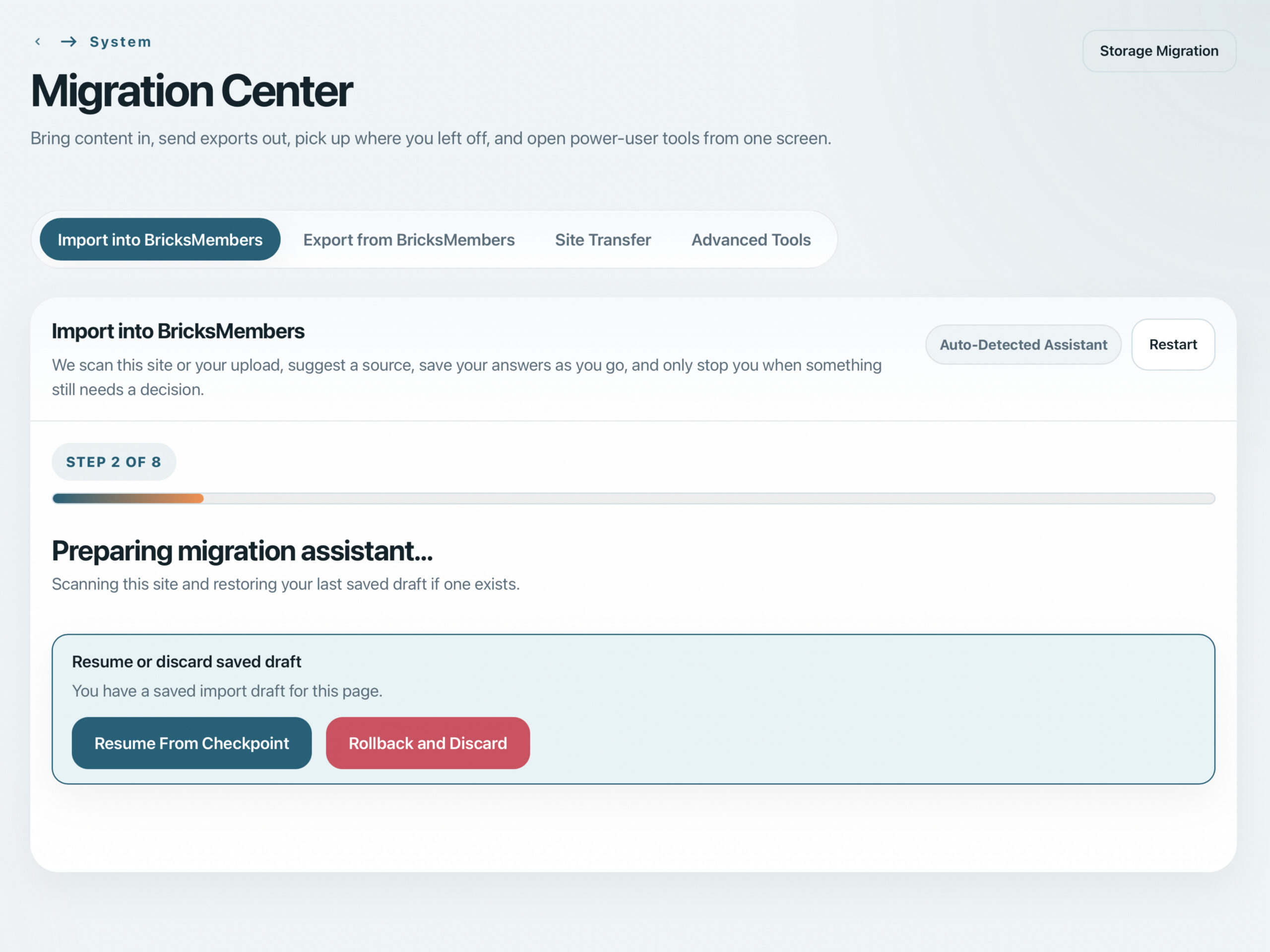
That is the right question to ask. BricksMembers is exclusive to Bricks while you use it, but Migration Center is built so your work is not stranded here. Move in from major WordPress membership and LMS plugins now, then move out later through supported same-site WordPress handoffs, generic bundles, or hosted-platform rebuild packs.
- Import from LearnDash, Tutor LMS, LifterLMS, Sensei LMS, LearnPress, MemberPress Courses, WP Courseware, MasterStudy LMS, Masteriyo, Academy LMS, or generic CSV bundles
- Export core BRM data through supported WordPress handoffs, generic CSV bundles, and guided rebuild packs for Kajabi, Thinkific, Teachable, and Podia
- Dry runs, saved answers, resume points, and rollback metadata reduce migration risk
- Keep users, levels, enrollments, structure, and progress portable


Assign Required Levels Across Your Content Library
On the user levels page, you can assign batch-assign levels. Add or remove required levels across posts, terms, pages, and structure-based content in batches, using whichever selector matches how your site is organized.
- Assign levels to posts grouped by structure parents inside a Content Structure
- Target posts by taxonomy term, relationship field, or related taxonomy
- Apply levels directly to taxonomy terms or filtered pages
- Add or remove required levels in bulk instead of opening every post one by one
