Build a Community in Bricks Builder — Feeds, Forums, Q&A and Chat
Spaces, feeds, Connected Content, chat, groups, and profiles — designed with native Bricks elements. The Community module ships as a beta in 1.4.0.
Structure your community visually
Define Structures, Sections, Spaces, audiences, saved feeds, and access rules in the Community Builder. Connect discussions to lessons and other content, manage membership requests, and moderate without leaving WordPress.
- Visual builder for sections, Spaces, audiences, and saved feeds
- Access rules and membership requests per Space
- Connected lesson and content discussions
- Moderation, notifications, and safe cascading deletion

Social feeds, forums, and nested replies
Members start conversations, reply in threads, react, save posts, and follow activity across Spaces. Everything is composed with Bricks nestables — composers, item cards, reply threads, and toolbars you can style like the rest of the site.
- Activity feeds and Space-level timelines
- Topics, questions, announcements, and nested replies
- Access-filtered @mentions and content references
- Realtime updates via Pusher or Ably, with a polling fallback

Discussions attached to real lessons and courses
Link a Community conversation to a lesson, course, product, or any local post. Members see the linked content on the discussion — and can open the discussion from the content — without duplicating fields or fighting shortcodes.
- Show linked lesson or course cards inside Community posts
- Open the discussion Space from the content members are studying
- Use Connected Content beyond Community for commerce and Bricks queries
- Optional directed field sync when you need projected fields in Bricks

Search-first Q&A and support hubs
Run unanswered and solved question lists, Space search, and support-style layouts from the same Community system — ideal for course help desks and member success boards.
- Support & Q&A hub templates in the Template Assistant
- Search across Spaces or site-wide Community content
- Clear solved / unanswered states for support workflows
- Same Bricks styling as the rest of your member area

Real-time chat rooms with moderation and permissions
Real-time messaging with Pusher or Ably. Organize group-scoped or global rooms, moderate conversations, and control read/write access by membership level — with chat UI you design in Bricks, including separate own/other message layouts.
- Real-time WebSocket support via Pusher and Ably providers
- Group-scoped and global chat rooms
- Topic-based conversations within rooms
- Configurable moderation controls and profanity filtering
- Email notification digests for offline members
- Level-based read/write permissions per room
- File upload support within chat

Seat-Based Teams with Roles and Invitations
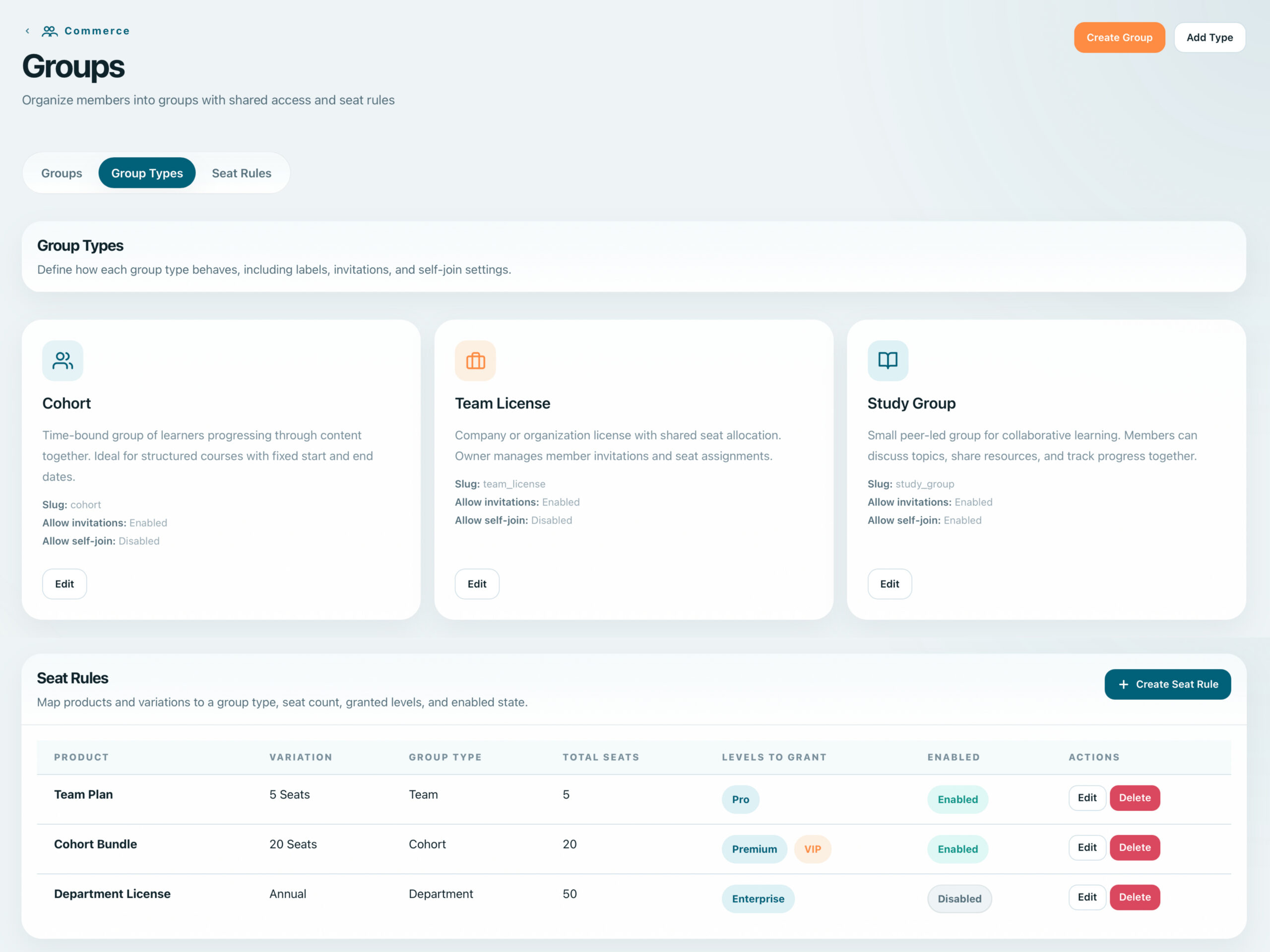
Create teams with configurable seat counts, invite members by email, and assign group-specific roles. Track team progress and manage permissions at the group level.
- Seat-based licensing with configurable limits
- Email invitations with one-click onboarding
- Group roles: owner, admin, member, instructor
- Team progress dashboards and reporting
Live Classes, Webinars, Coaching, and Community Events
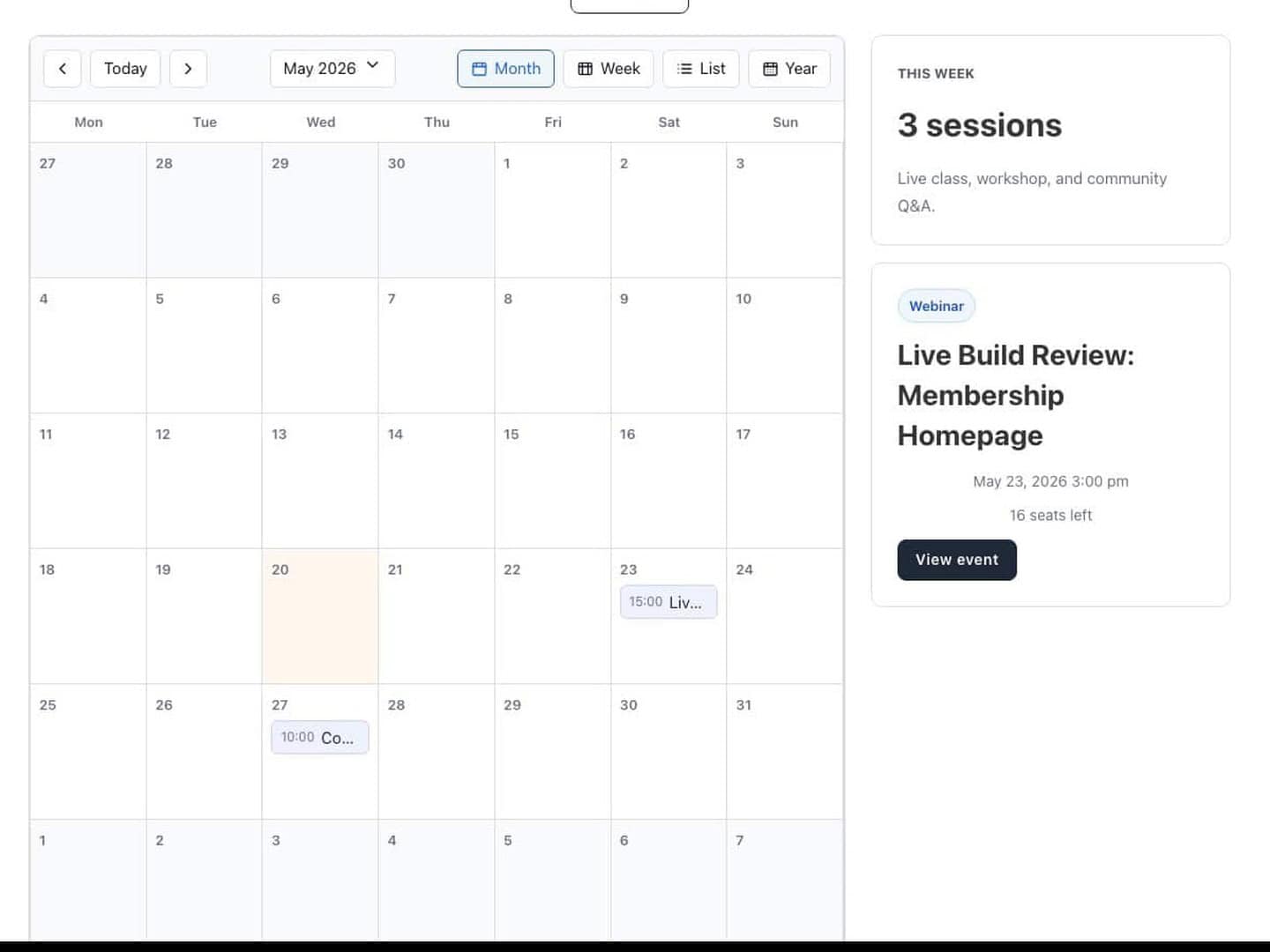
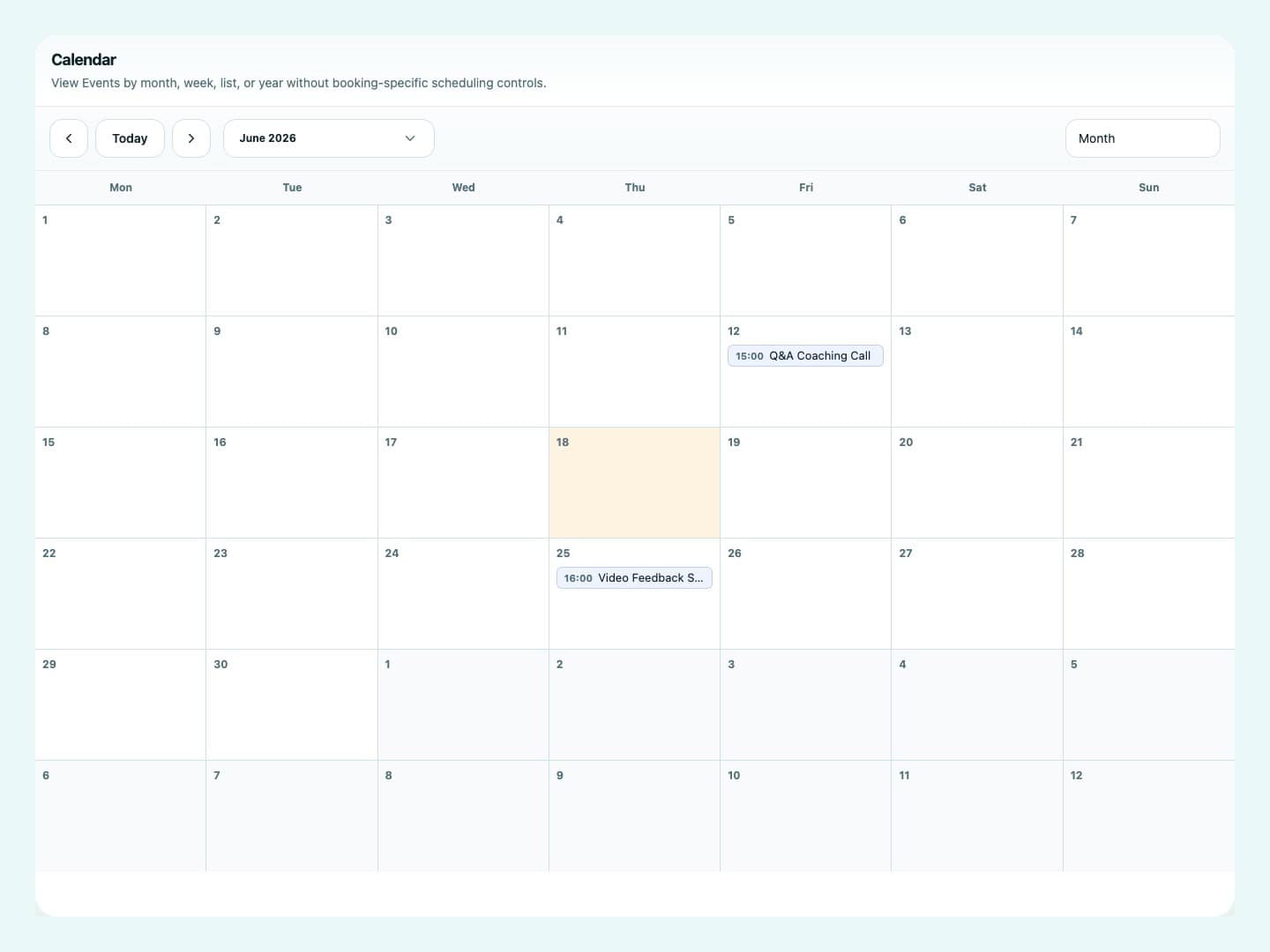
Run live classes, webinars, coaching calls, Q&A sessions, and community events with registrations, waitlists, attendance, recurring schedules, provider connections, and BRM Event Calendar.
- Registrations, waitlists, attendance, and join links
- Recurring events with independent occurrence state
- Zoom, Google Meet, and Microsoft Teams provider connections
- Group-linked and cohort-friendly live sessions
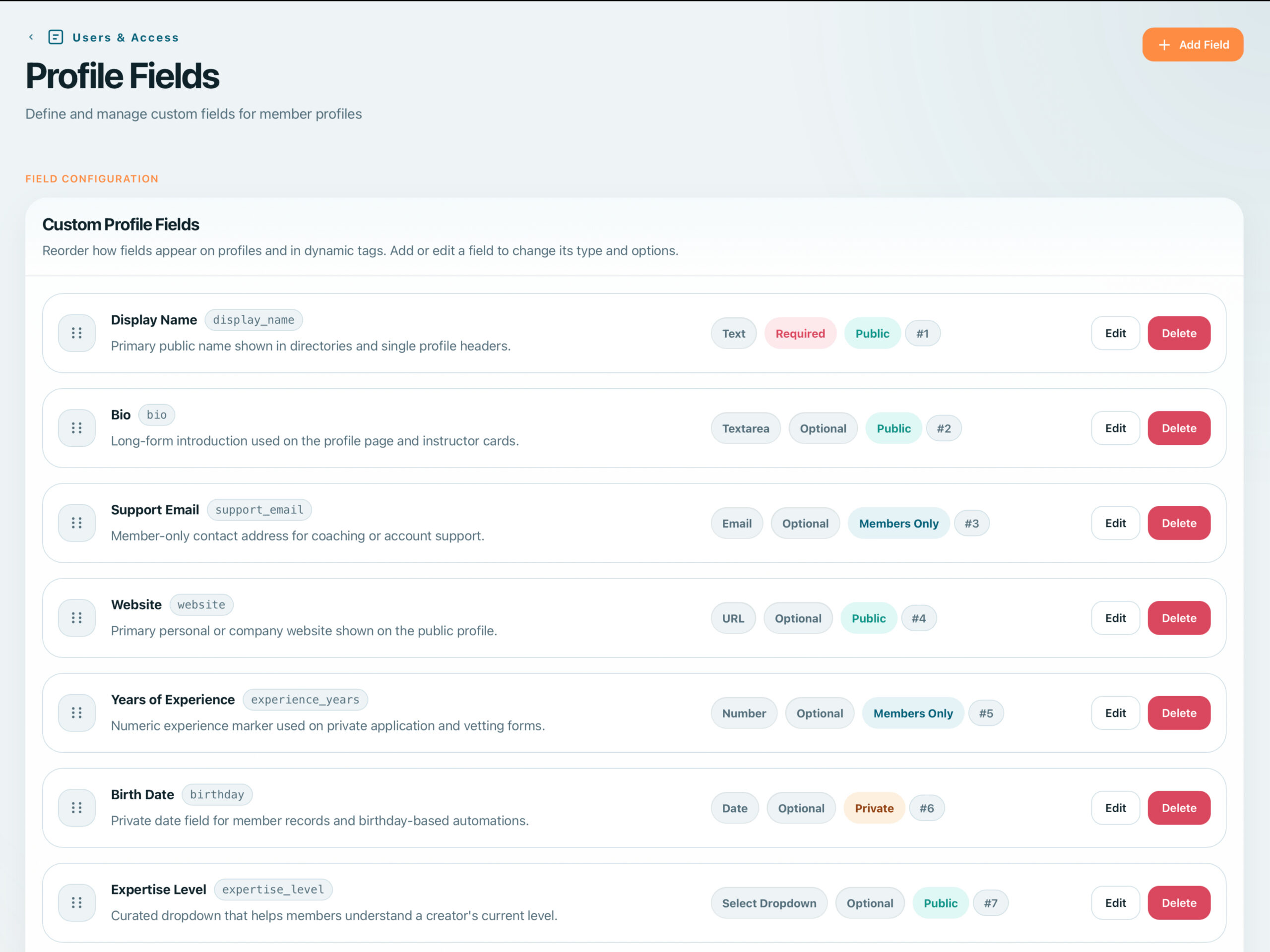
9 Field Types with Visibility Controls
Build rich member profiles with 9 custom field types. Control visibility per field. Create searchable member directories with filters by level, group, or profile attributes.
- 9 field types: text, textarea, select, checkbox, radio, date, URL, email, file
- Per-field visibility: public, members-only, private
- Avatar upload with cropping
- Searchable member directories with filters
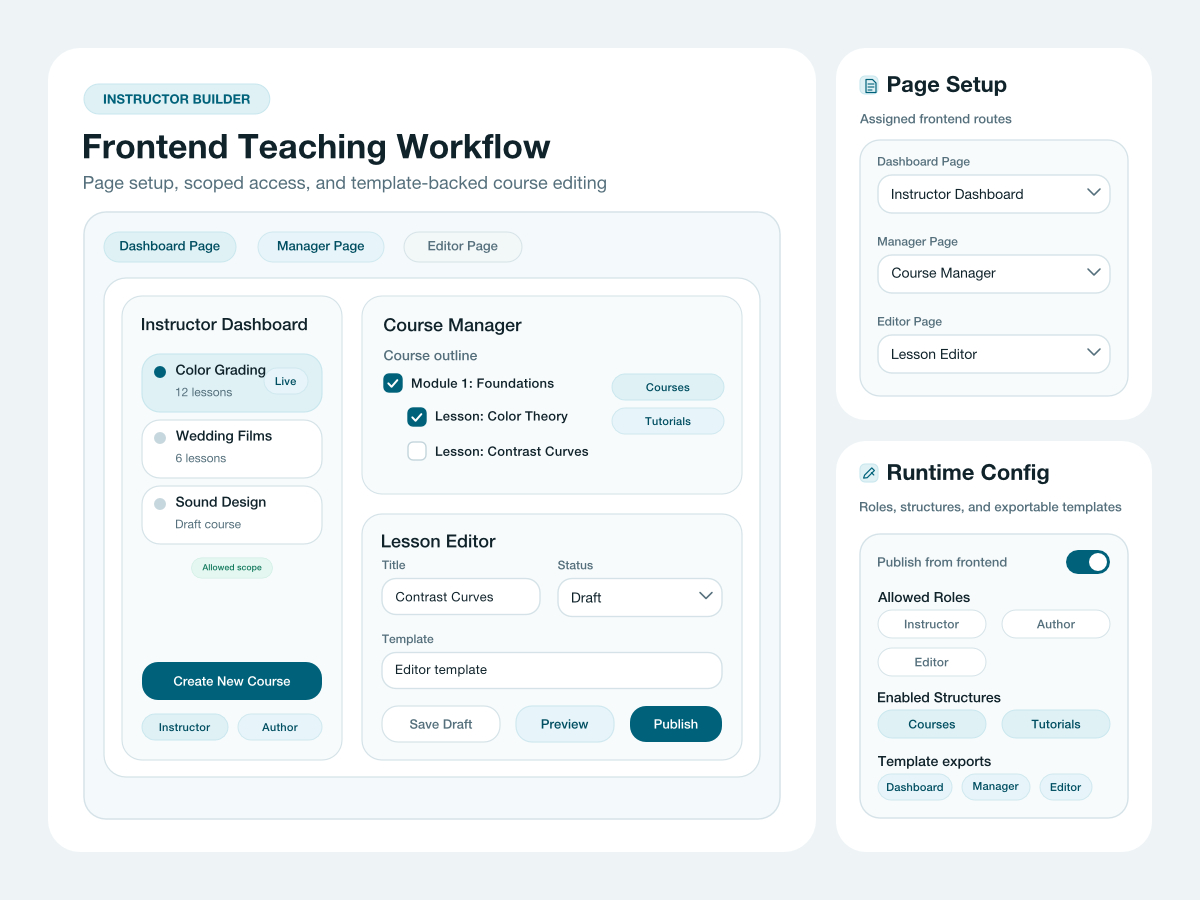
Frontend Course Management with Role-Based Access
Empower instructors to create and manage courses and lessons entirely from the frontend without WordPress admin access. Assign instructor capabilities per role and scope each instructor to specific structures for controlled content ownership.
- Frontend course and lesson management without WordPress admin access
- Template library for consistent course layouts
- Role-based access with instructor capabilities
- Scope assignment per structure
- Student progress monitoring per instructor
Like, Unlike, Counts, and Query Filtering
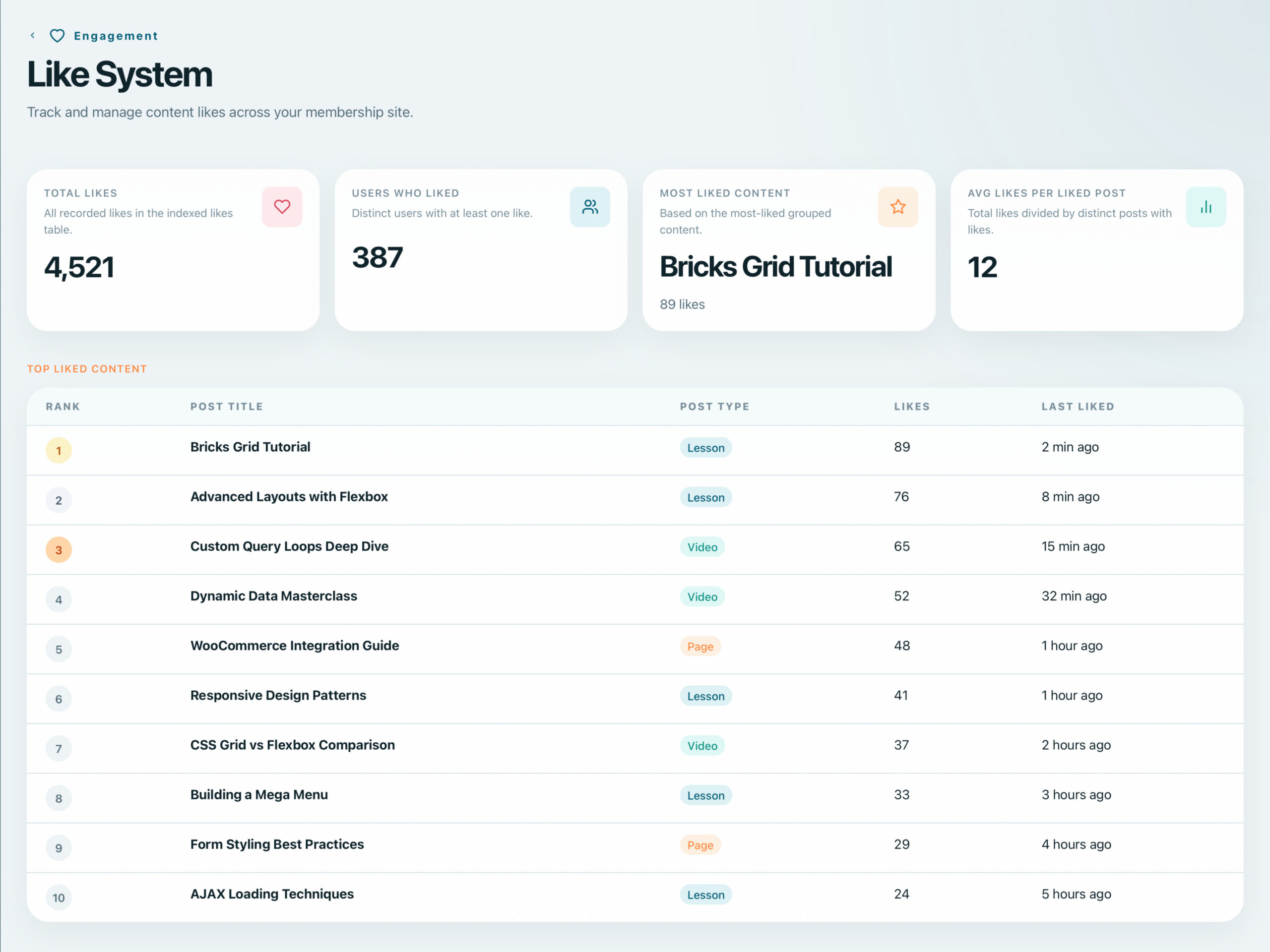
Add AJAX-powered like buttons to any post or comment. Display like counts, filter query loops by most-liked content, and drive engagement with social proof.
- AJAX-powered like/unlike without page reload
- Like counts displayed on posts and listings
- Query loop filtering by like count
- Native Bricks element with full styling control