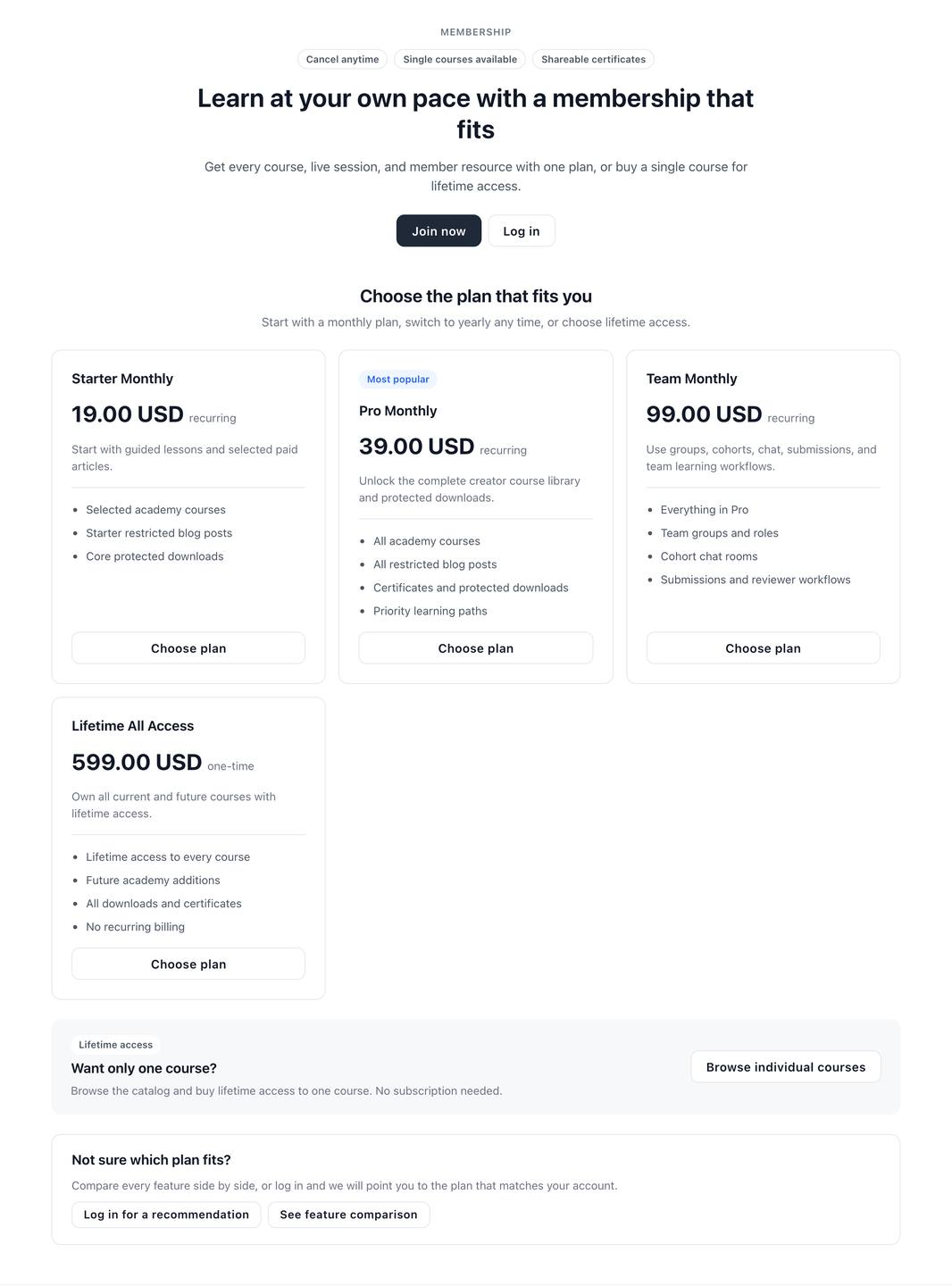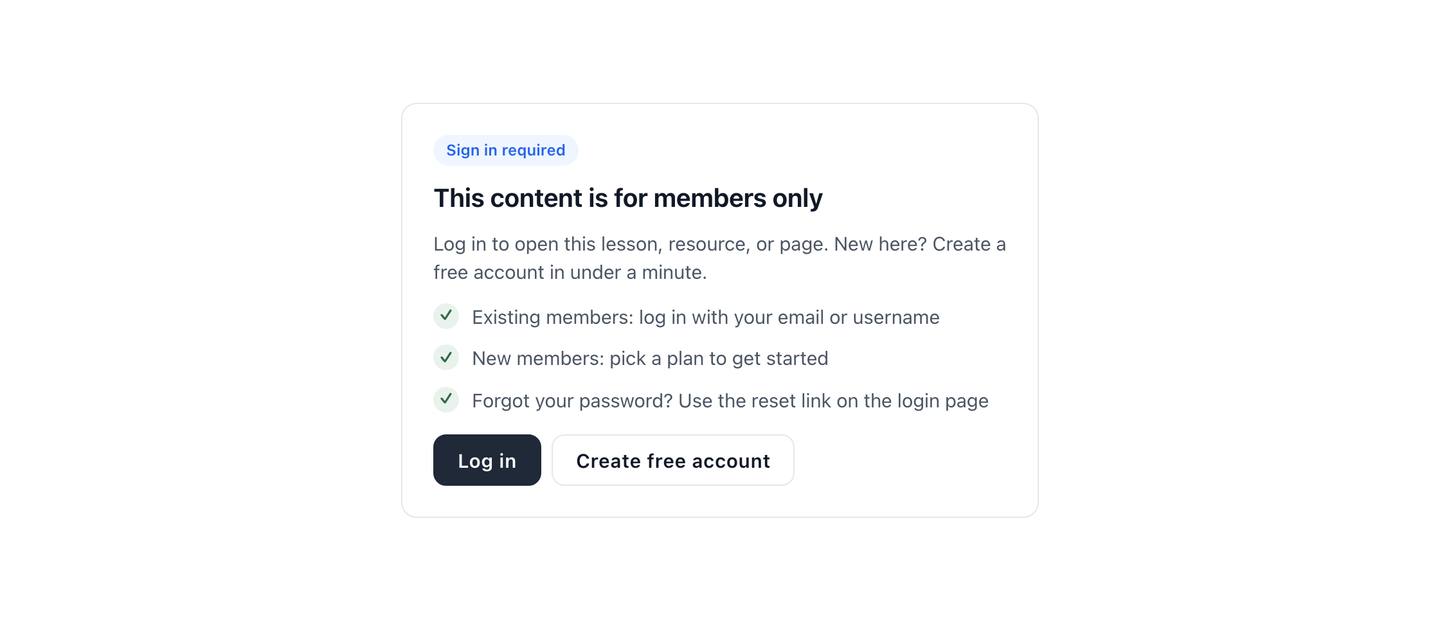
Logged Out No Access
State
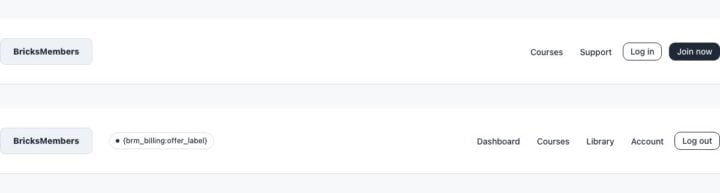
A part template for global header.
 Part
PartUse standalone JSON for normal Bricks sites, or ACSS JSON when the project uses Automatic.css classes.
Open the builder where the component belongs and paste the copied payload into the canvas.
Review the listed BricksMembers tags and conditions, then adjust copy, classes, and styling for the site.
block button container image section text-basic text-link
{brm_billing:offer_label} {brm_user:levels}
Shows content only to logged-out visitors. Shows content only when the visitor is logged in.